> ## Documentation Index
> Fetch the complete documentation index at: https://docs.dovetail.com/llms.txt
> Use this file to discover all available pages before exploring further.
# Build a Channels strategy
 ### How to structure Channels so research and feedback scale with your team
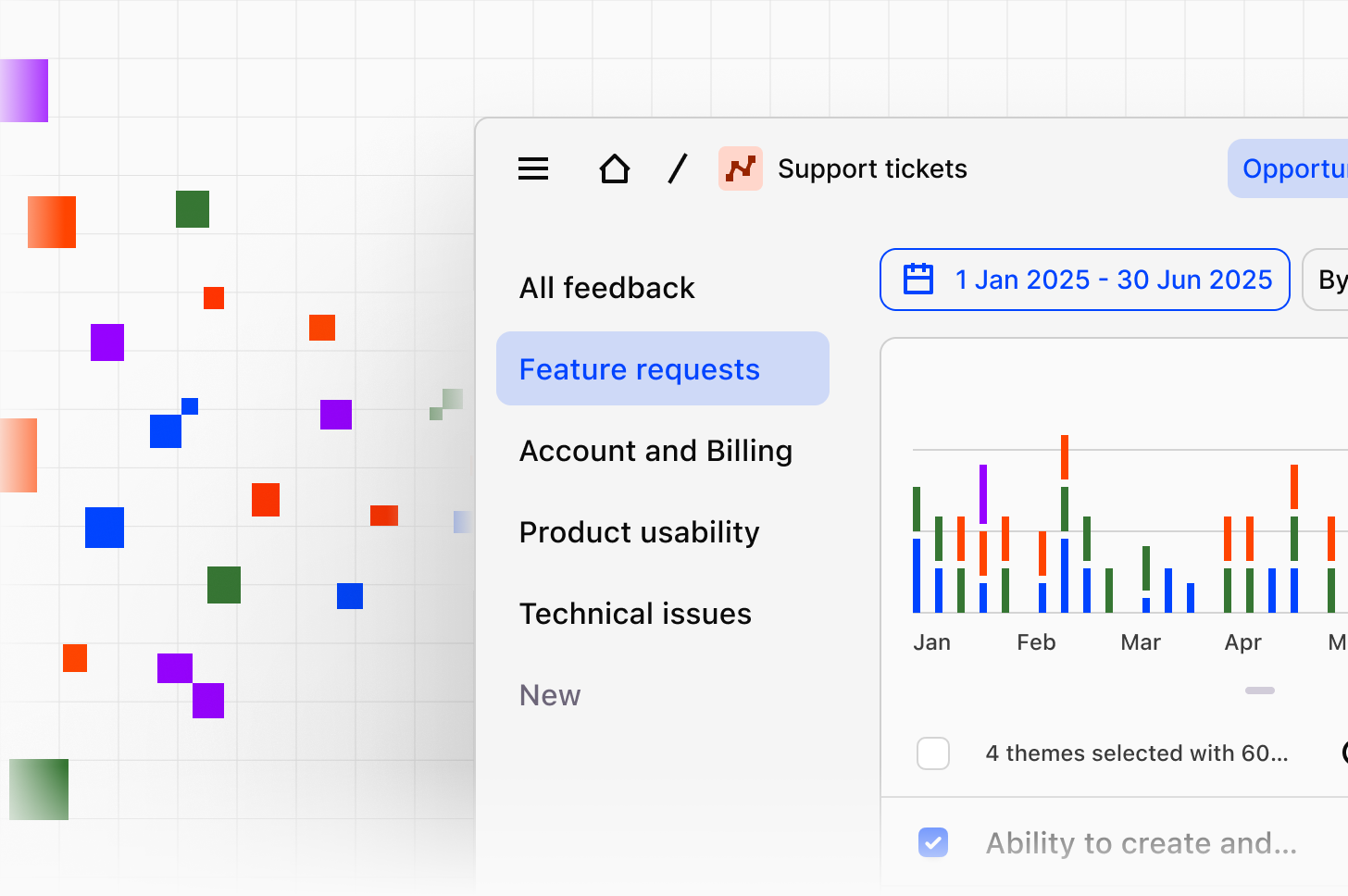
A Channels strategy helps you structure research and feedback so they remain useful over time. Rather than importing everything into one place or creating too many narrow categories, the goal is to choose the right scope, context, topics, and data sources so your team can generate customer intelligence more consistently.
Use this guide after you’ve [created a Channel](https://docs.dovetail.com/help/channels) and learned how context, topics, and imports work.
### Decide what each Channel is for
Before you add context or topics, decide what each Channel should represent.
A strong Channel usually has a clear purpose, such as:
* Tracking feedback for one part of the product
* Monitoring a specific feedback stream, such as support tickets or app reviews
* Combining related sources that support the same team or decision-making process
Use the table below to see when sources may fit within a single Channel and when they may be easier to manage in separate Channels.
| Consideration | Combine in one Channel | Create separate Channels |
| ---------------- | ------------------------------------------------- | --------------------------------------------------------- |
| Team or workflow | Sources support the same team or workflow | Sources support different teams or workflows |
| Context | Sources need the same context | Sources need different context |
| Topic structure | Sources can use the same topics and descriptions | Sources need different topic definitions |
| Scope | Sources reflect the same product area or use case | Sources mix unrelated workflows, business units, or goals |
Avoid using one Channel for unrelated goals. If a Channel is trying to support very different teams, product areas, or types of feedback at once, topics can become too broad and harder to maintain.
### Write context that stays broad and useful
* Focus on 2–3 main goals
* Keep it concise
* Use natural language
* Avoid overly specific instructions that could exclude relevant feedback
* Include your role or perspective if it helps guide analysis
For example, a product team might focus on adoption, usability, and reliability. A support team might focus on recurring friction, high-effort issues, and satisfaction drivers.
If your context becomes too detailed, you may filter out useful signals that still matter. For example, if you ask a Channel to focus only on onboarding issues for new enterprise admins, it may miss related feedback about setup friction from other user types.
### Create clear topics and descriptions
Topics should reflect the high-level areas you want to track in a Channel. In most cases, they should map to meaningful parts of the product, customer journey, or workflow.
* Acquisition and first use
* Core workflow experiences
* Collaboration
* Organization and search
* AI and intelligence capabilities
* Adoption and expansion
* Performance and reliability
* Overall satisfaction
* Clear and easy to understand
* Concise
* Based on customer language, where possible
* Distinct enough to avoid overlap
* Consistent in naming style
For example:
**Topic**: authentication and access
**Include**: login, MFA, password reset, and account access issues
**Exclude**: broader speed, uptime, or system performance issues
Clear boundaries like these help reduce overlap and make reporting easier to trust. If two topics could reasonably capture the same issue, refine them before your Channel grows. Overlapping topics make reporting harder and can reduce confidence in the results.
### Choose the right data sources
Once your Channel structure is clear, connect the data sources that best support that goal.
When choosing sources, group them only if they support the same use case. For example:
* Combine related support streams when they reflect the same product area
* Keep different business units or unrelated workflows separate
* Use metadata and segmentation when one source includes multiple teams or regions
A good source mix helps the Channel stay focused. A noisy source mix can make themes harder to interpret.
## Expect feedback to span multiple themes
Customer feedback is often messy. A single support ticket, survey response, or conversation may touch on more than one issue. That’s normal.
For example, a Gong sales call might include both onboarding friction and pricing objections. Rather than forcing that feedback into one rigid bucket, create a structure that helps your team consistently review patterns over time.
**To keep classification useful:**
* Define clear topic boundaries
* Document inclusions and exclusions where needed
* Decide how themes roll up into topics
* Review overlapping themes
* Merge or refine themes as new patterns emerge
**For example:**
* Onboarding feedback might roll up into a Growth topic
* Pricing sentiment might roll up into Packaging
* Authentication-related feedback might be reviewed alongside signals such as sign-in completion, MFA drop-off, or CSAT
As your Channel matures, you may also find that separate themes should be merged. \
\
**For example**, slow load times and timeouts might later be consolidated into a single Performance theme once volume grows and the patterns become clearer.
### Review and refine your Channel over time
Your first setup does not need to be perfect. Start with a manageable structure, then refine it as volume grows and patterns become clearer.
* Your context still reflects your current goals
* Topics are still distinct
* Themes should be merged or renamed
* New sources belong in the same Channel
* Some data would be easier to manage in a separate Channel
A Channel should get easier to use over time, not harder.
### Interpret themes in context
Classification is only the first layer. Teams also need a shared way to interpret the themes they see.
One way to do that is to review themes through a few consistent lenses, such as:
* Experience quality
* Product capability
* Customer outcomes
For example, if feedback related to login and authentication increases after a security change, teams might interpret that pattern in different ways:
* **Experience quality:** users are encountering confusing MFA prompts, unclear error states, or repeated verification loops
* **Product capability:** users may need additional controls, backup methods, or clearer recovery options
* **Customer outcomes:** authentication friction may be affecting activation, retention, or support volume
The theme is the same, but the next step may vary depending on how your team interprets it.
## Bring Channel insights into team workflows
Channels are most useful when teams review them as part of regular work, not only when someone needs a one-off answer. That might include quarterly planning, roadmap reviews, customer experience reviews, adoption and expansion tracking, Voice-of-Customer reporting, and other recurring moments where teams review customer signals together.
Keep customer intelligence tied to decisions, tickets, and releases by connecting Channel insights to the tools your team already uses.
Related articles
* [**Channels**](https://docs.dovetail.com/help/channels)
* [**Context and topic descriptions**](https://docs.dovetail.com/help/channels/context-and-topic-descriptions)
* [**Import data to Channels**](https://docs.dovetail.com/help/channels/import-data-to-channels)
### How to structure Channels so research and feedback scale with your team
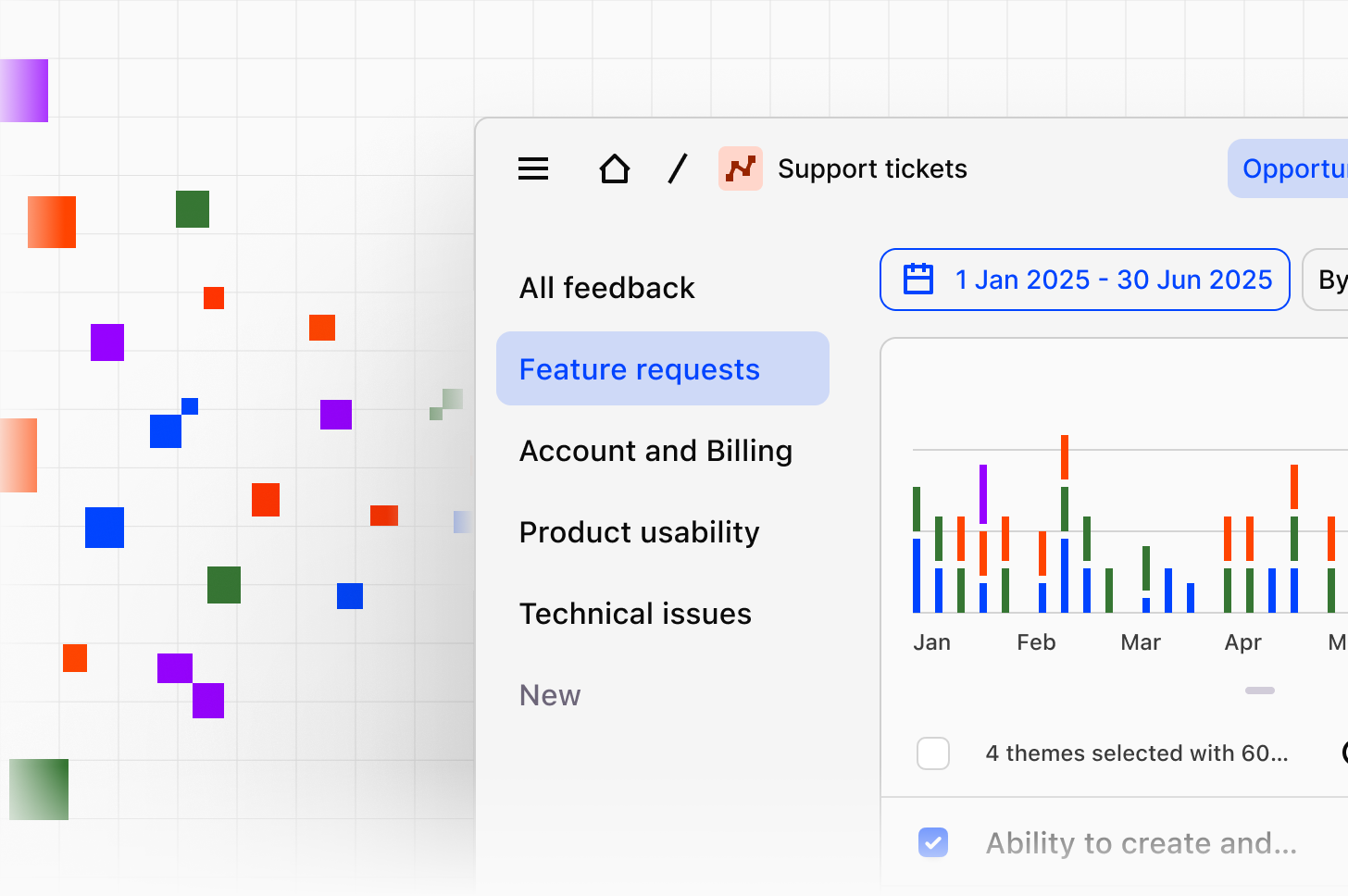
A Channels strategy helps you structure research and feedback so they remain useful over time. Rather than importing everything into one place or creating too many narrow categories, the goal is to choose the right scope, context, topics, and data sources so your team can generate customer intelligence more consistently.
Use this guide after you’ve [created a Channel](https://docs.dovetail.com/help/channels) and learned how context, topics, and imports work.
### Decide what each Channel is for
Before you add context or topics, decide what each Channel should represent.
A strong Channel usually has a clear purpose, such as:
* Tracking feedback for one part of the product
* Monitoring a specific feedback stream, such as support tickets or app reviews
* Combining related sources that support the same team or decision-making process
Use the table below to see when sources may fit within a single Channel and when they may be easier to manage in separate Channels.
| Consideration | Combine in one Channel | Create separate Channels |
| ---------------- | ------------------------------------------------- | --------------------------------------------------------- |
| Team or workflow | Sources support the same team or workflow | Sources support different teams or workflows |
| Context | Sources need the same context | Sources need different context |
| Topic structure | Sources can use the same topics and descriptions | Sources need different topic definitions |
| Scope | Sources reflect the same product area or use case | Sources mix unrelated workflows, business units, or goals |
Avoid using one Channel for unrelated goals. If a Channel is trying to support very different teams, product areas, or types of feedback at once, topics can become too broad and harder to maintain.
### Write context that stays broad and useful
* Focus on 2–3 main goals
* Keep it concise
* Use natural language
* Avoid overly specific instructions that could exclude relevant feedback
* Include your role or perspective if it helps guide analysis
For example, a product team might focus on adoption, usability, and reliability. A support team might focus on recurring friction, high-effort issues, and satisfaction drivers.
If your context becomes too detailed, you may filter out useful signals that still matter. For example, if you ask a Channel to focus only on onboarding issues for new enterprise admins, it may miss related feedback about setup friction from other user types.
### Create clear topics and descriptions
Topics should reflect the high-level areas you want to track in a Channel. In most cases, they should map to meaningful parts of the product, customer journey, or workflow.
* Acquisition and first use
* Core workflow experiences
* Collaboration
* Organization and search
* AI and intelligence capabilities
* Adoption and expansion
* Performance and reliability
* Overall satisfaction
* Clear and easy to understand
* Concise
* Based on customer language, where possible
* Distinct enough to avoid overlap
* Consistent in naming style
For example:
**Topic**: authentication and access
**Include**: login, MFA, password reset, and account access issues
**Exclude**: broader speed, uptime, or system performance issues
Clear boundaries like these help reduce overlap and make reporting easier to trust. If two topics could reasonably capture the same issue, refine them before your Channel grows. Overlapping topics make reporting harder and can reduce confidence in the results.
### Choose the right data sources
Once your Channel structure is clear, connect the data sources that best support that goal.
When choosing sources, group them only if they support the same use case. For example:
* Combine related support streams when they reflect the same product area
* Keep different business units or unrelated workflows separate
* Use metadata and segmentation when one source includes multiple teams or regions
A good source mix helps the Channel stay focused. A noisy source mix can make themes harder to interpret.
## Expect feedback to span multiple themes
Customer feedback is often messy. A single support ticket, survey response, or conversation may touch on more than one issue. That’s normal.
For example, a Gong sales call might include both onboarding friction and pricing objections. Rather than forcing that feedback into one rigid bucket, create a structure that helps your team consistently review patterns over time.
**To keep classification useful:**
* Define clear topic boundaries
* Document inclusions and exclusions where needed
* Decide how themes roll up into topics
* Review overlapping themes
* Merge or refine themes as new patterns emerge
**For example:**
* Onboarding feedback might roll up into a Growth topic
* Pricing sentiment might roll up into Packaging
* Authentication-related feedback might be reviewed alongside signals such as sign-in completion, MFA drop-off, or CSAT
As your Channel matures, you may also find that separate themes should be merged. \
\
**For example**, slow load times and timeouts might later be consolidated into a single Performance theme once volume grows and the patterns become clearer.
### Review and refine your Channel over time
Your first setup does not need to be perfect. Start with a manageable structure, then refine it as volume grows and patterns become clearer.
* Your context still reflects your current goals
* Topics are still distinct
* Themes should be merged or renamed
* New sources belong in the same Channel
* Some data would be easier to manage in a separate Channel
A Channel should get easier to use over time, not harder.
### Interpret themes in context
Classification is only the first layer. Teams also need a shared way to interpret the themes they see.
One way to do that is to review themes through a few consistent lenses, such as:
* Experience quality
* Product capability
* Customer outcomes
For example, if feedback related to login and authentication increases after a security change, teams might interpret that pattern in different ways:
* **Experience quality:** users are encountering confusing MFA prompts, unclear error states, or repeated verification loops
* **Product capability:** users may need additional controls, backup methods, or clearer recovery options
* **Customer outcomes:** authentication friction may be affecting activation, retention, or support volume
The theme is the same, but the next step may vary depending on how your team interprets it.
## Bring Channel insights into team workflows
Channels are most useful when teams review them as part of regular work, not only when someone needs a one-off answer. That might include quarterly planning, roadmap reviews, customer experience reviews, adoption and expansion tracking, Voice-of-Customer reporting, and other recurring moments where teams review customer signals together.
Keep customer intelligence tied to decisions, tickets, and releases by connecting Channel insights to the tools your team already uses.
Related articles
* [**Channels**](https://docs.dovetail.com/help/channels)
* [**Context and topic descriptions**](https://docs.dovetail.com/help/channels/context-and-topic-descriptions)
* [**Import data to Channels**](https://docs.dovetail.com/help/channels/import-data-to-channels)