> ## Documentation Index
> Fetch the complete documentation index at: https://docs.dovetail.com/llms.txt
> Use this file to discover all available pages before exploring further.
# Evidence
> The raw feedback behind every idea: the activity view, the full evidence list, and what a single data point contains.
## Evidence
Evidence is the full list of data points behind a channel, and the place to verify a signal or find a quote worth using.
### Activity over time
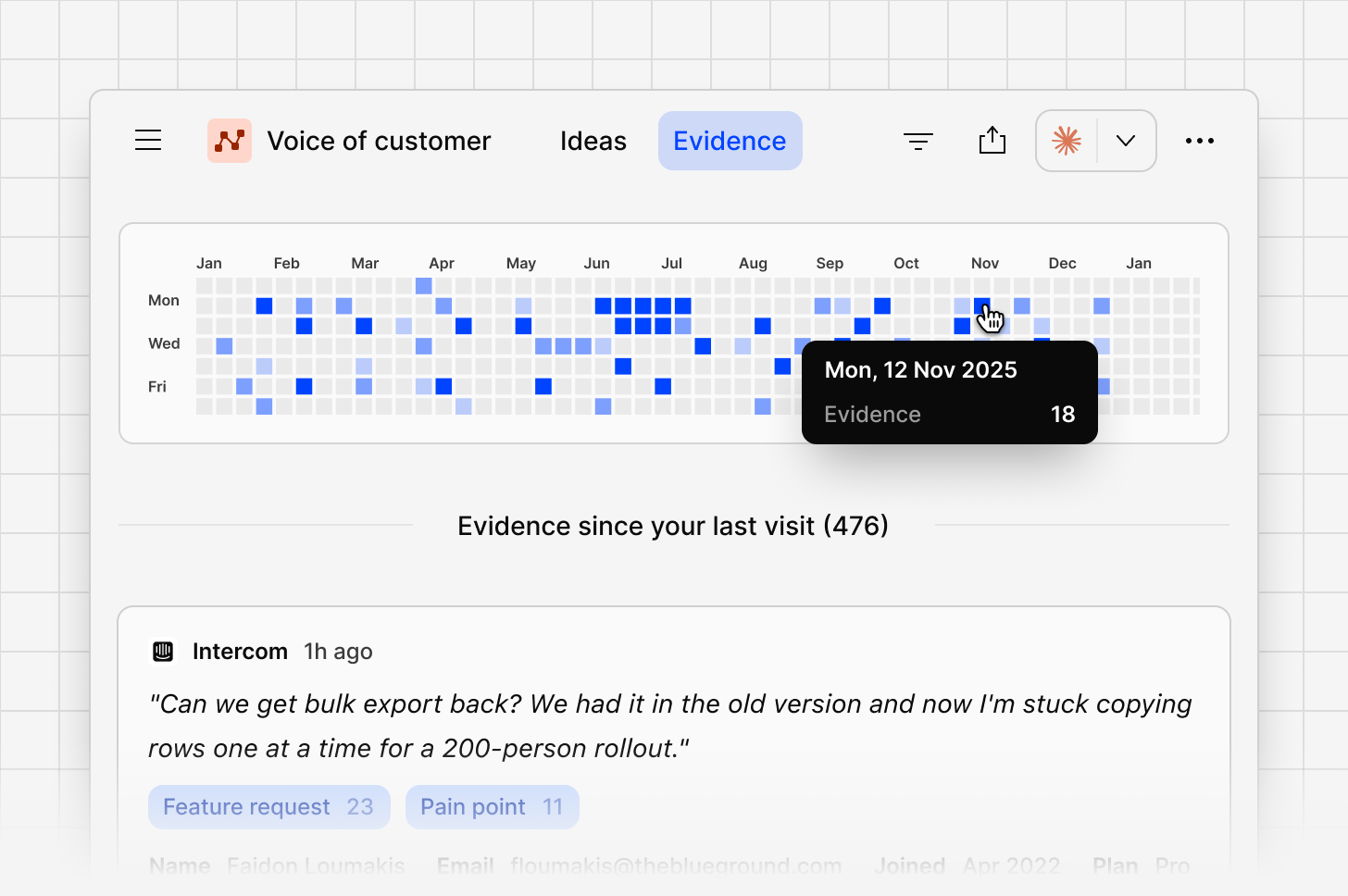
A calendar-style view shows evidence volume by day, so you can see at a glance when feedback spiked or went quiet.
 ### Full evidence list
Every data point across every connected source appears here, most recent first, with a preview of the content and the contact who shared it.
### Evidence panel
Open a data point to see:
* Contact details, if enabled from your [Contacts database](https://docs.dovetail.com/help/contacts)
* Whether this piece of evidence is already linked to an idea or not.
* The full feedback, including the complete thread if it’s part of a conversation
From the `...` **More** menu on a data point, you can `configure` which fields are shown, `add to idea`, or `delete evidence`.
### Full evidence list
Every data point across every connected source appears here, most recent first, with a preview of the content and the contact who shared it.
### Evidence panel
Open a data point to see:
* Contact details, if enabled from your [Contacts database](https://docs.dovetail.com/help/contacts)
* Whether this piece of evidence is already linked to an idea or not.
* The full feedback, including the complete thread if it’s part of a conversation
From the `...` **More** menu on a data point, you can `configure` which fields are shown, `add to idea`, or `delete evidence`.
 ### Open data point
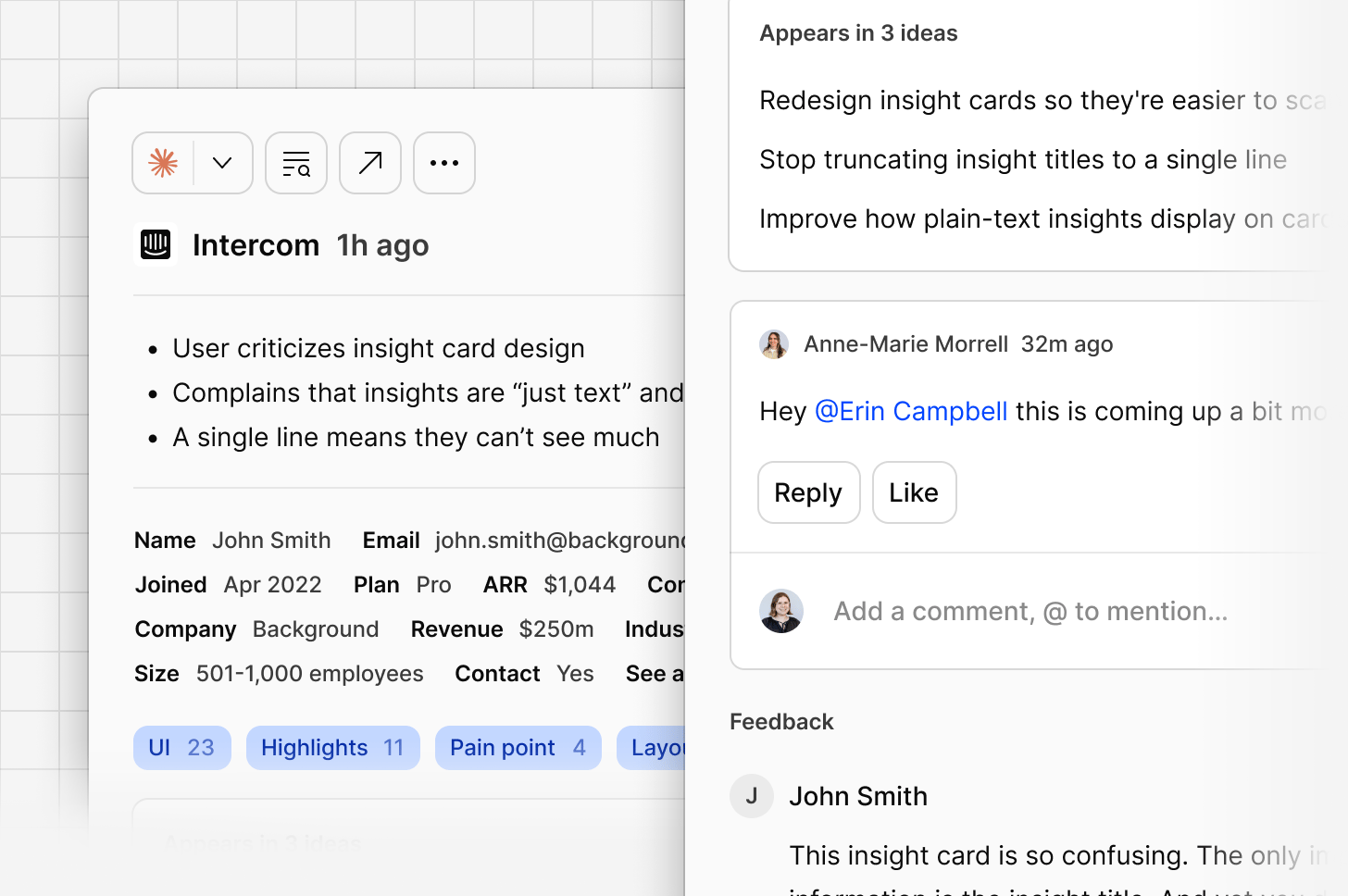
Opening a data point in full shows its complete breakdown: sentiment, the feedback itself, and contact details.
***
### Open data point
Opening a data point in full shows its complete breakdown: sentiment, the feedback itself, and contact details.
***