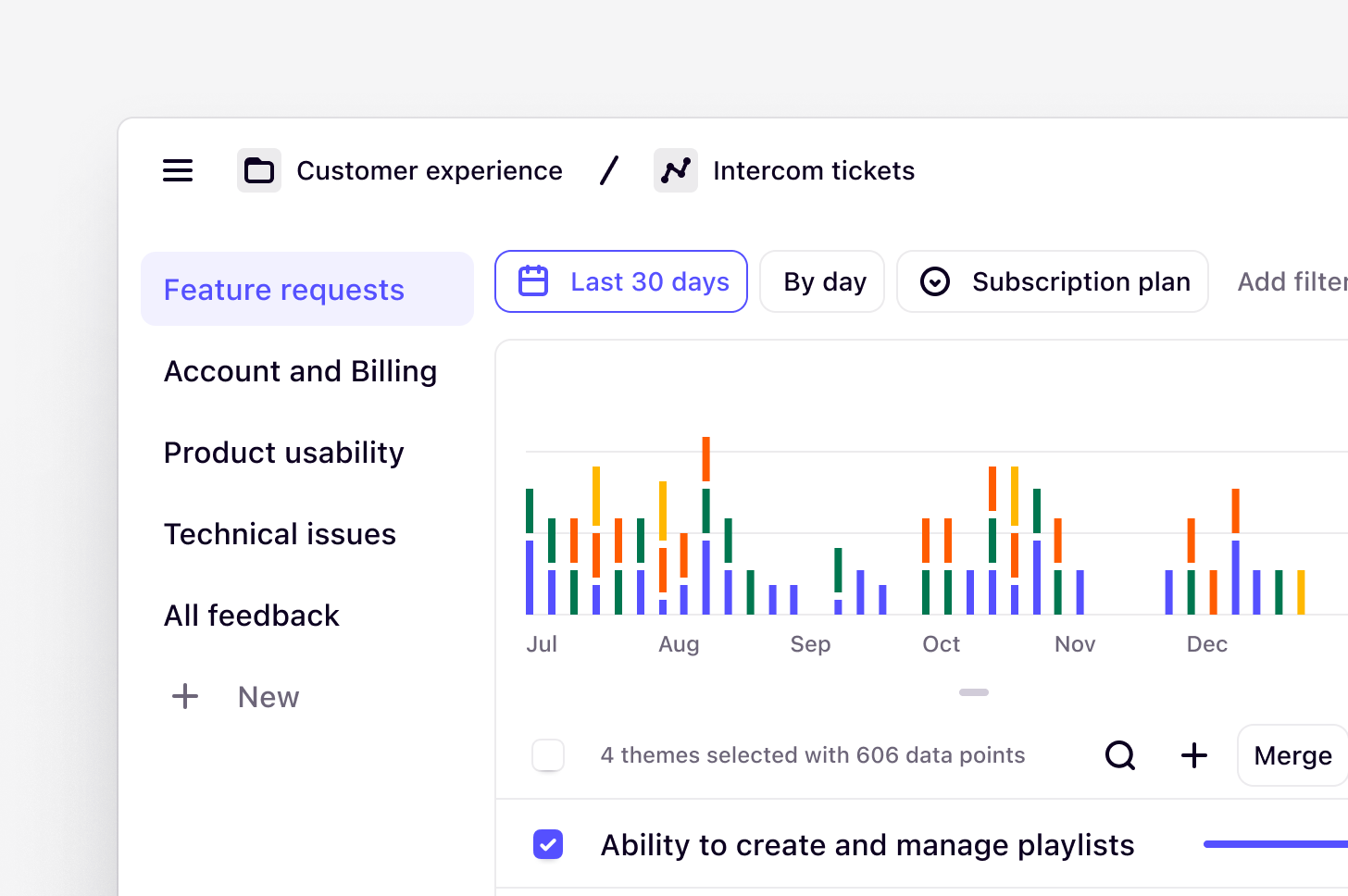
A new Dovetail experience is coming on March 31, 2026. We’re updating the app’s navigation and structure. You may notice changes, as some features appear in new locations.
What is a customer intelligence platform?
Understanding your customers is a critical part of good product design and development. But as organizations scale, the people who work there become disconnected from the people they serve. Data overload, silos, and rigid practices mean staying close to your customer is harder than it should be. Dovetail is the AI-first customer intelligence platform that helps teams automate data aggregation, discover insights, and drive customer-centric decisions, in a single place. It is a central source of truth that organizations can rely on to ensure they understand their customers at scale. With Dovetail, any team member can access the latest findings to guide their decisions across even the largest of organizations. This includes:- UX researchers who analyze user behavior and preferences.
- Product designers who gather evidence to create user-centric designs.
- Product managers who prioritize opportunities and oversee the development process.
- Product leaders who guide strategic decision-making.
Becoming familiar with Dovetail
With Dovetail, everyone can discover insights to avoid wasting time duplicating existing customer insights. In the workspace, there are three key areas in Dovetail where you can find customer data: Home, Search, and Chat.Home
Chat sits at the top of Home and is the fastest way to find insights in Dovetail. The Welcome section gives you a starting point when you use Dovetail for the first time. It surfaces quick actions — like connecting a data source, inviting teammates, or asking a question — so you can get up and running and get the most out of Dovetail without digging through settings. You can dismiss it at any time. The Announcement banner allows Admins to add a banner to the Home page to display important information—such as updates, resources, or notices—ensuring key messages are clearly visible and never missed by the team. Pinned for Everyone allows Admins to pin important objects — such as docs, projects, and folders — so key resources remain visible and accessible to the entire team. Admins can now manually reorder items in the Pinned for everyone section, making it easier to surface the most important sources across the organization. Simply drag and drop pinned items into your preferred order. For You is a personalized section that surfaces content tailored to your activity, including data, docs, projects, agents, and other objects you’ve recently viewed or created. Browse displays the top-level folder structure of your workspace, including folders, projects, channels, dashboards, agents, and docs. It supports multiple sorting options and is alphabetical by default. Within folders, you can sort results using Sort and Filter in the top right. Folders are always shown at the top and clearly separated from individual items. The Featured authors section highlights Docs created by selected team members and shared with the entire workspace. Admins can choose up to 50 authors to feature, surfacing the latest reports and insights for the whole team. The featured doc section lets Admins embed a single Doc directly on the home page, with its content rendered inline for everyone to see.Search
The key to a successful intelligence platform is being able to seamlessly search and retrieve insights across teams. Keyword search is the most common form of search engine that you may have used in tools like Google Drive or OneDrive. You can use search to surface specific interviews, research reports, and other documentation in the workspace.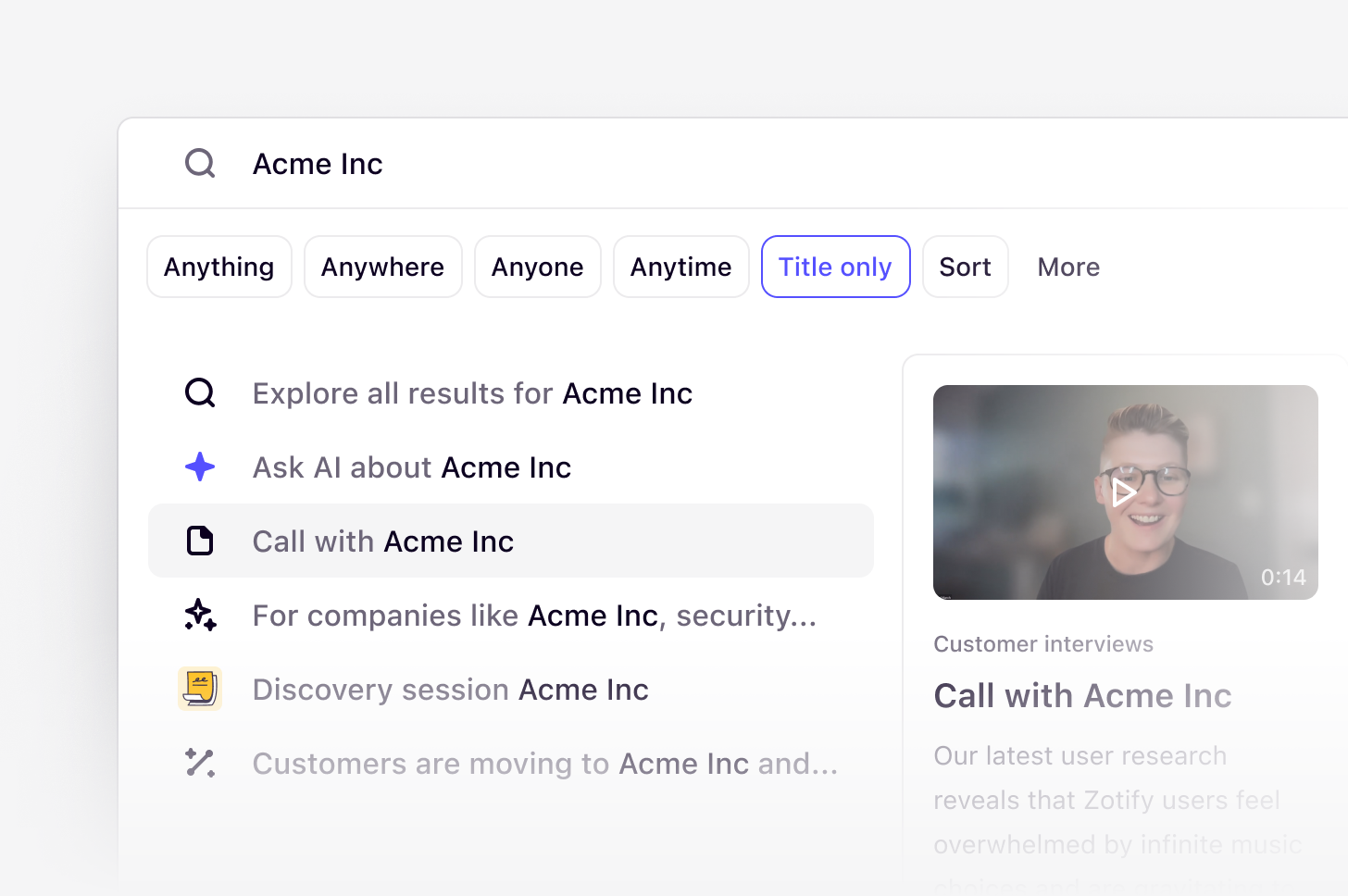
Chat
Sits at the top of Home and is the fastest way to find insights in Dovetail. Instead of navigating through folders or browsing multiple pages, you can ask a question in natural language and receive an instant answer. Chat searches across your workspace and generates responses grounded in your data, with citations so you can verify sources and navigate directly to the original content. You can also refine queries using @ mentions to reference a specific folder or project.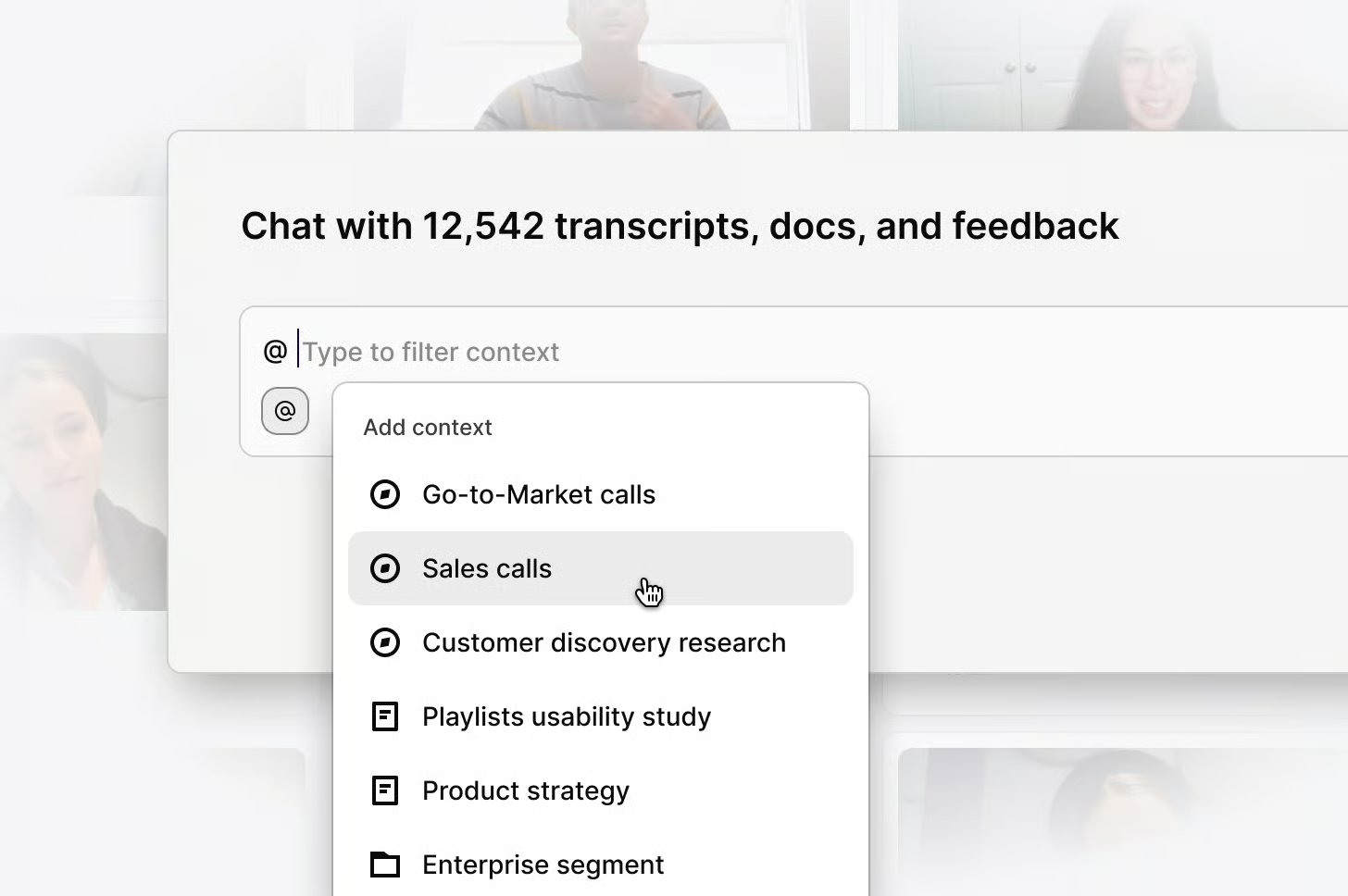
What are projects?
- Where everyday users of Dovetail conduct in-depth analysis of qualitative data like customer interviews, usability tests, surveys, and sales calls.
- Typically, managers and contributors will use projects to organize related data, and break down important moments or quotes into highlights.
- For casual Dovetail users, it’s unlikely that you’ll need to dive deep into the workings of the process of projects, however, most of what you’ll see in search will come originally from projects.

What are Channels?
- Where anyone can continuously track themes in always-on, high volume data sets. They are typically set up by managers and contributors to automatically make sense of support tickets, product reviews, NPS, or churn responses.
- As a viewer, you may want to view channels to keep on a finger of the pulse of customer feedback through a birds-eye view. You will also be able to subscribe to notifications and surface relevant themes from Channels through search.