

Available on Professional and Enterprise plansAll role types can view other user profiles in your workspace
Overview
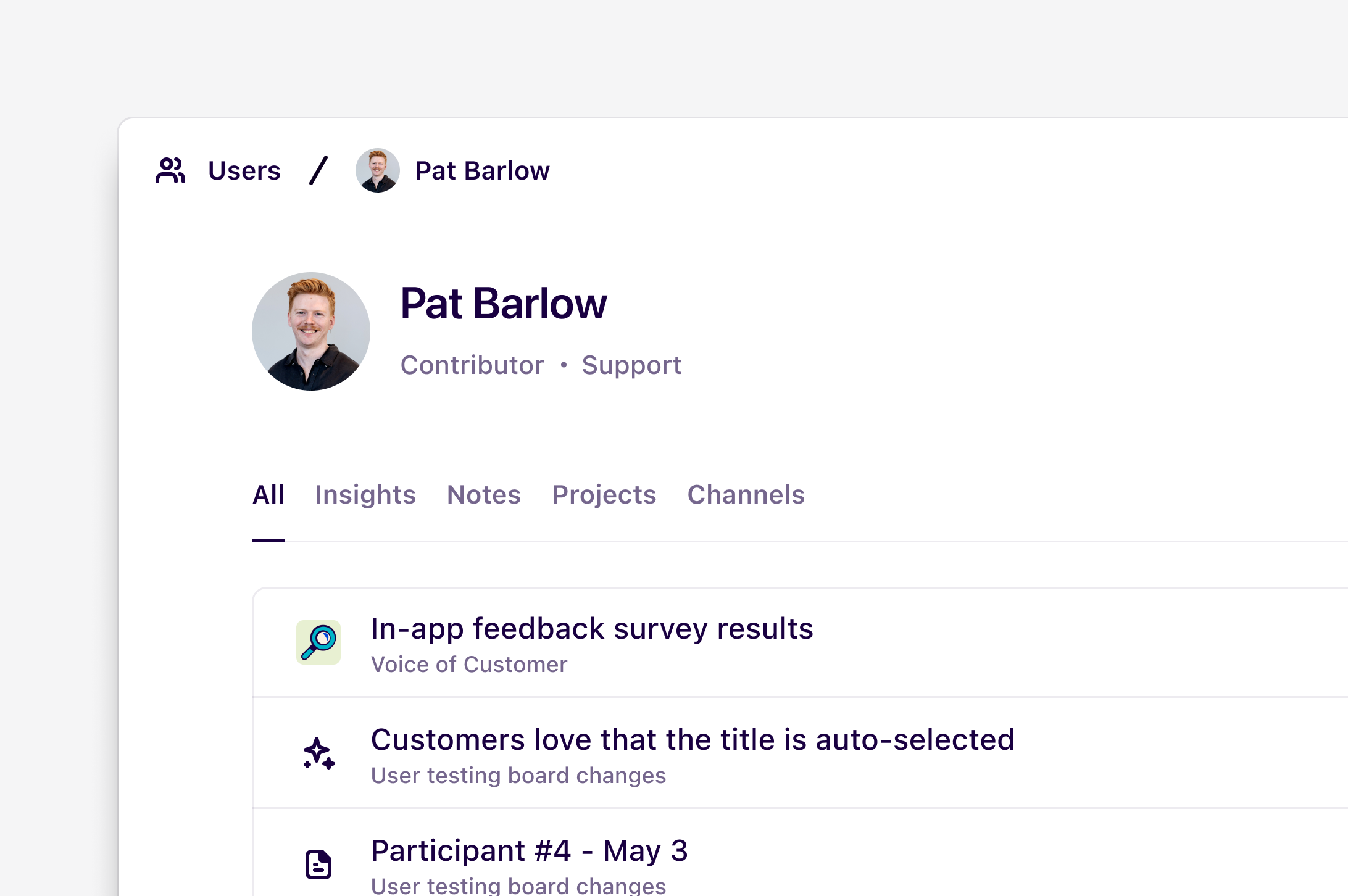
Everyone in your workspace has a user profile that displays what docs, notes, projects, and channels they’ve recently contributed to. You can view other users’ profiles and follow them to receive notifications when they publish new docs. A user’s profile includes:- The user’s name and profile picture
- Their job title and role
- A list of docs, notes, projects, and channels they have contributed to recently. A contribution can include edits and comments