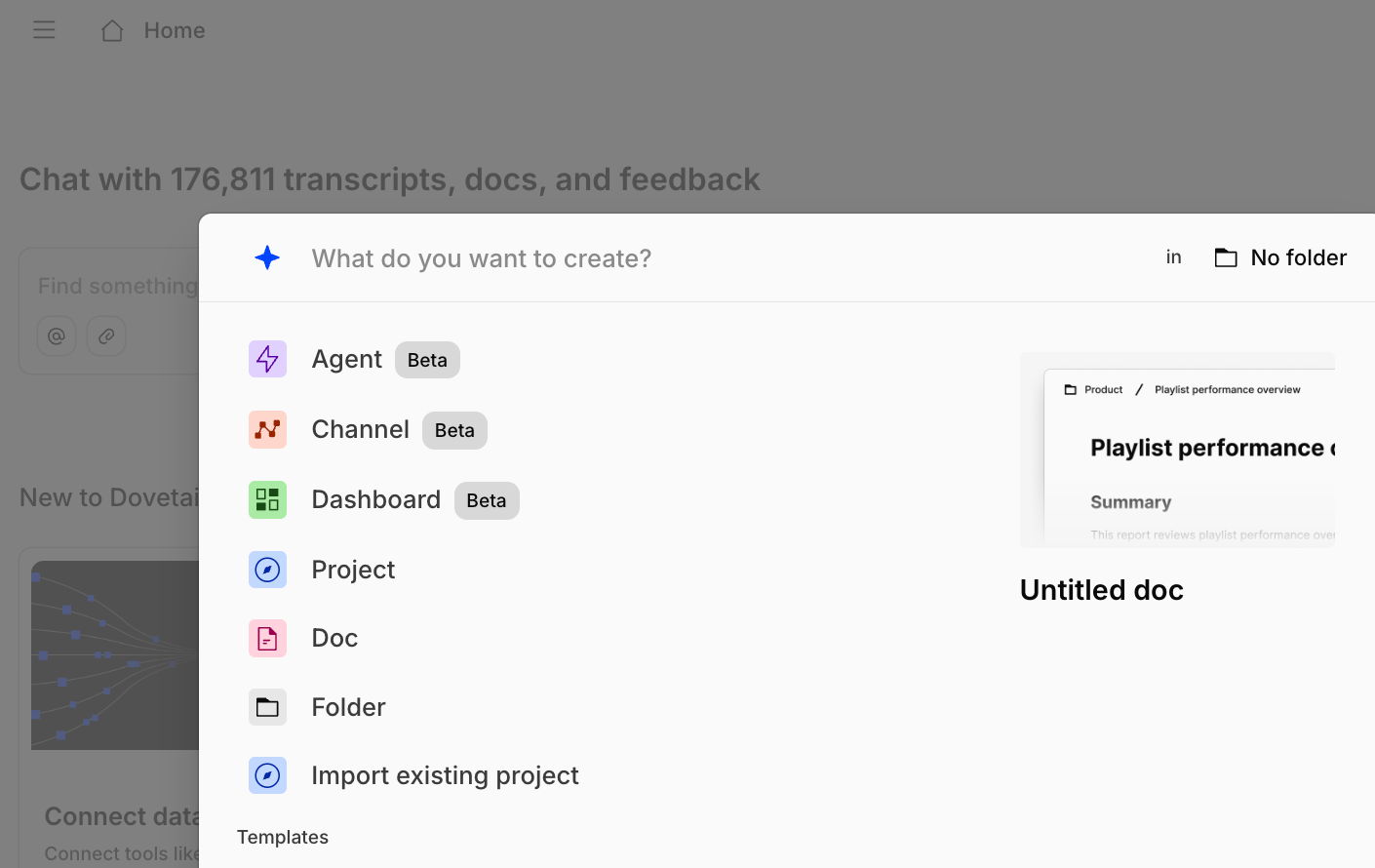
A Dovetail workspace showing folders, projects, and channels in the sidebar

Overview

This guide defines key terms you’ll encounter while using Dovetail. Whether you’re new to the platform or need a quick refresher, this reference helps you navigate Dovetail’s features so you can organize your data, analyze feedback, and act on what customers are telling you.

Core functionality

Workspace

A workspace is the top-level organizational structure that houses all of your company’s data and brings your entire team together. It serves as a single, centralized knowledge base where customer data is organized, analyzed, queried, and acted on.

Folders

Folders are a way to create a logical structure for organizing data, enabling intuitive navigation, controlled access, efficient searching, and using contextual chat.

Projects

Projects are a space for you to thoroughly analyze high-density data sources like customer interviews, usability tests, sales calls, or surveys to draw very detailed insights.

Channels

Channels use AI to automatically analyze continuous streams of customer feedback from sources like support tickets, product reviews, or NPS responses. New channels use Channels 2.0, which groups that feedback into ranked Ideas backed by Evidence.

Agents

Agents are AI-powered automations in Dovetail that perform actions on your behalf - from continuously monitor feedback, generate shareable docs, to notify via email or your team on Slack.

Digital Twins

Digital Twins are AI replicas of a specific customer, segment, or persona, built only from what they’ve actually said across your interviews, calls, tickets, and surveys. You can ask one a question in Chat and get an answer traceable back to the real data it came from.

Contacts

Contacts is where you can store, track, and manage your contacts and participants. Segments group them by shared attributes.

Dashboards

Dashboards visualize trends in your customer data over time, so you can track how themes and sentiment move alongside business metrics.

Chat

Chat is an AI assistant that provides detailed, insightful answers about your Dovetail data. You can ask questions at the Workspace, Folder, Channel, Project, Data, or Doc level and receive responses with direct citations. This feature allows you to have a continuous conversation with your data, from understanding the top user feedback to brainstorming a plan of action. With Dovetail Search, you can quickly find any object in your workspace, including projects, channels, data, highlights, and docs. You can filter results by common fields or tags to analyze themes across different projects and folders.

Working in Projects

Data

Data is an individual piece of information or a file uploaded into Dovetail for analysis. Common examples include video call recordings, usability tests, and surveys. Also referred to as a “data object”.

Field

A Field provides context that applies to an entire piece of data, enabling you to filter and analyze it across your workspace. Think of a field as a filter to refine your work and group data for analysis (e.g., assigning a region or a customer persona to a video call).

Highlight

A Highlight is a key moment captured from a piece of data — a quote from a transcript, a passage from a document, or a clip from a recording. Highlights connect findings back to the raw data they came from.

Tag

Tags are labels you attach to specific moments within a piece of data to help you find structure and themes in your research. They help you cluster similar content for analysis and identify patterns (e.g., tagging a specific moment in a video with “competitor mention” or “usability feedback”).

Data views

Data views are individually saved view and filter configurations for the data within your project. They eliminate the need to re-apply your preferences every time you open a project.

Highlight reel

A Highlight reel in Dovetail is a video of stitched-together clips that share a theme, tag or topic. It’s a powerful way to bring the voice of your customer to life when sharing with your team or organization.

Docs

A Doc is a document used to generate, collaborate on, and share findings after analysis. Think of it as a report in Dovetail that you can publish and share with stakeholders.

Working in Channels

Ideas

Ideas are the Channels 2.0 unit of output: AI-generated summaries of what’s worth doing next, each grouping the feedback that points at the same underlying problem or request. Ideas are ranked by how much they matter — how often something comes up, how many accounts are affected, and how much ARR sits behind it.

Evidence

Evidence is the raw material behind every idea — the original support tickets, reviews, survey responses, and conversations. Use Evidence to check a claim, pull a quote, or see exactly who said what.

Data points

Data Points are individual pieces of feedback synced into a channel. Each data point represents a single piece of customer input, such as a support ticket, an app review, an NPS response, or any form of continuous feedback.

Topics and themes

Topics and themes are Channels 1.0 terms. Themes are groups of similar feedback; topics are the high-level categories that organize them. Channels created before 2.0 still use these — in Channels 2.0, ideas replace themes.