Evidence
Evidence is the full list of data points behind a channel, and the place to verify a signal or find a quote worth using.Activity over time
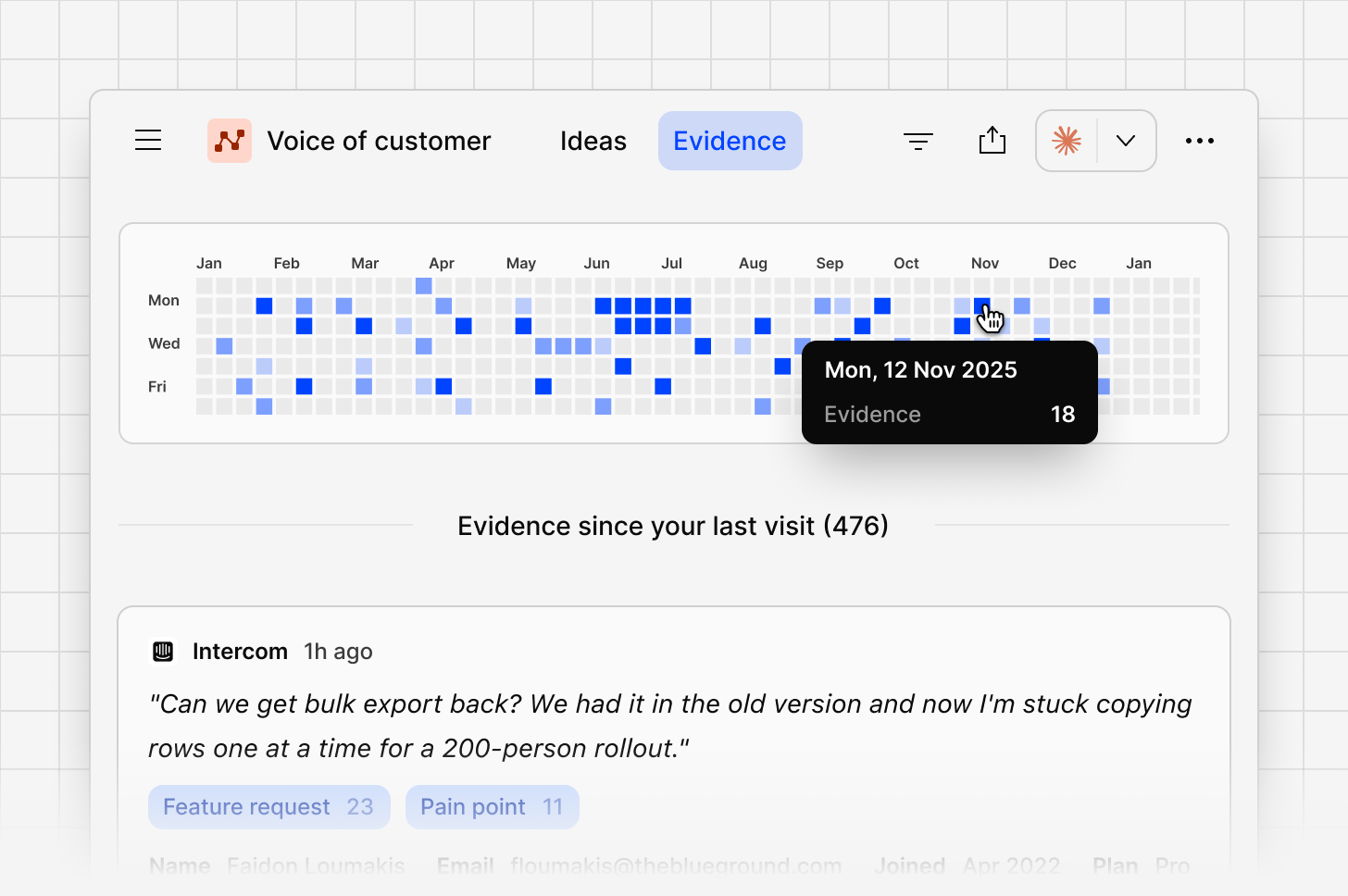
A calendar-style view shows evidence volume by day, so you can see at a glance when feedback spiked or went quiet.Full evidence list
Every data point from the datasets this channel uses appears here, most recent first, with a preview of the content and the contact who shared it.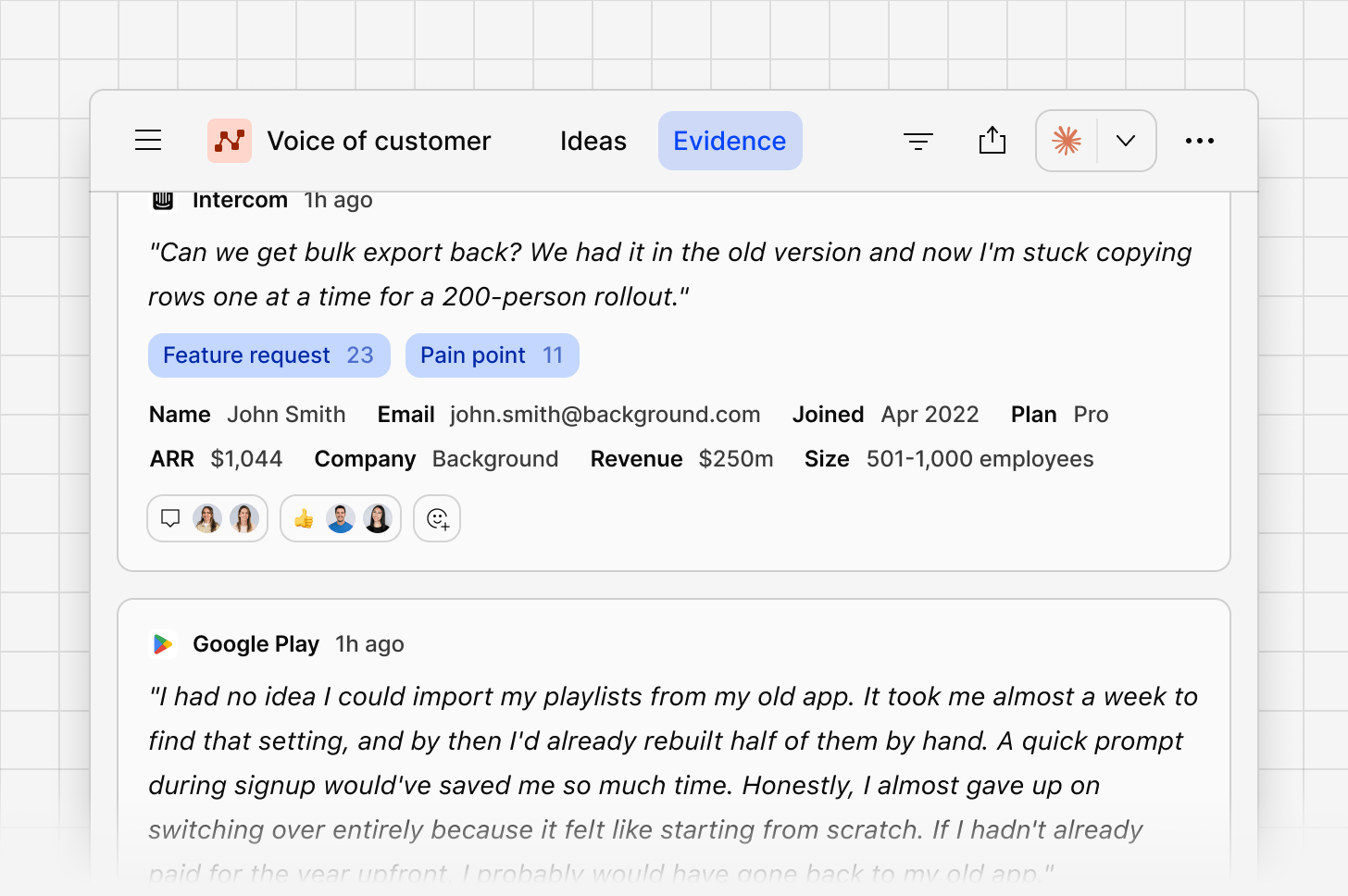
Filter evidence
Filter the evidence list by date, source, source fields, contact fields, and tags. You can also filter by the ideas that evidence is linked to, using their keywords, priority, owner, or activity. When you combine idea filters, a single idea has to match all of them.Evidence panel
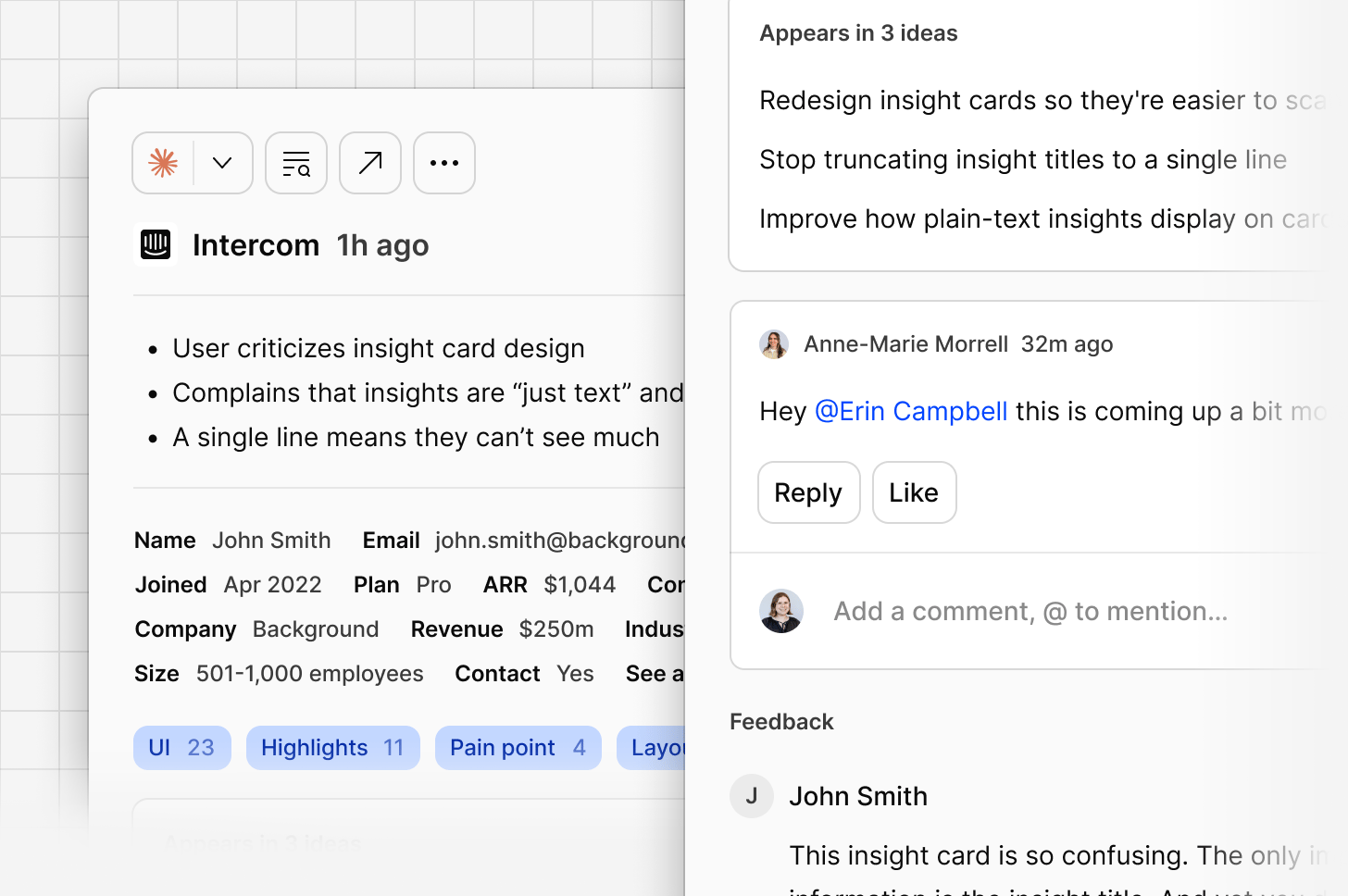
Open a data point to see:- Contact details, if the data point is linked to a contact
- Whether this piece of evidence is already linked to an idea or not
- The full feedback, including the complete thread if it’s part of a conversation
Open data point
Opening a data point in full shows its complete breakdown: sentiment, the feedback itself, and contact details.Bulk manage evidence
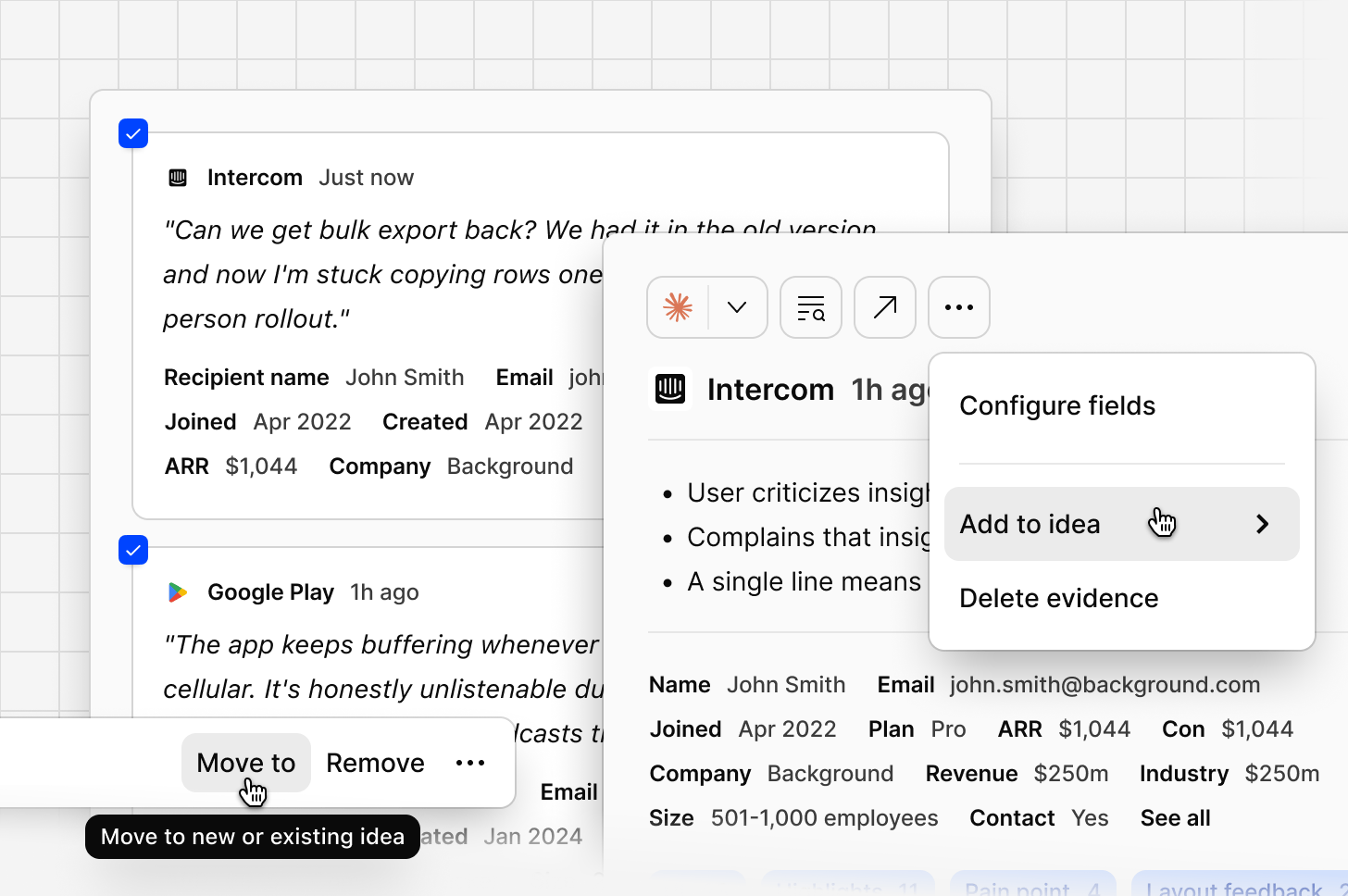
Select multiple pieces of evidence at once using the checkboxes, or useSelect all to grab everything matching your current filters. From here, you can:
- Select
Add to, then search for an existing idea to move the evidence to, or type a new name to create one on the spot. Once created, new matching evidence keeps attaching to it automatically as it comes in. - Select
Move to trashto discard the selected evidence.