

Available on the Enterprise plan.
Overview
Create a unique web link to share data, highlights, and Docs with people who aren’t users in your Dovetail workspace. Web links for data and highlights are created and enabled per object, while doc web links are enabled per project, meaning that all docs within that project will be available to anyone with the unique web link.Create a web link for data and highlights
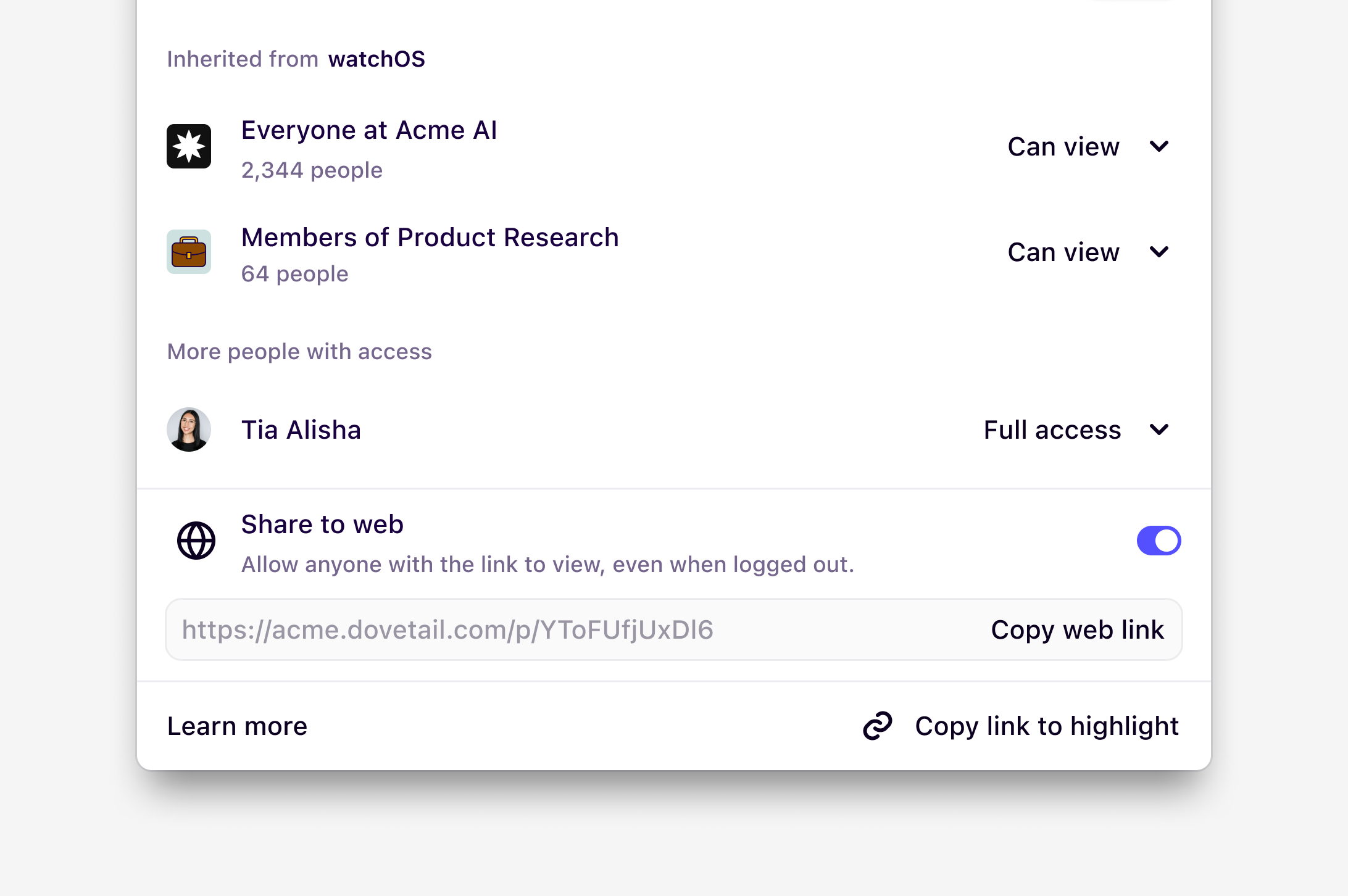
You can create a unique web link to share a highlight from an original interview, participant’s survey, or usability test. This will also enable any highlights created within the page to be viewable in a public view.- To do this, open your data page, click on a highlight
Share, and toggle onShare to web. - Once enabled, click
Copy web linkand share this unique link with your team. From this link, anyone will be able to view this data page and any highlights within from your Dovetail workspace.
Create a web link for Docs
To share Docs with those outside your Dovetail workspace, you can create a web link. At this time, this functionality can only be enabled at the project level and will be applied to all Docs in the project. This means that once enabled on a single Doc, all Docs in the same project will be viewable to others with access to this link.How to generate a web link
- Open the Doc you want to share.
- Click Share in the top-right corner.
- Toggle “on” Share to web.
- Copy the generated web link.
For privacy reasons, search and answer blocks used in your doc will not be visible to users viewing your public doc.
Disable web links for a workspace
Only Enterprise plans can disable the ability for users to create web linksWorkspace admins can enable or disable this feature
- To do this, navigate to ⚙️ Settings → Security and under Security, toggle on
Prevent users from creating web links.