

Available on all paid plans
Overview
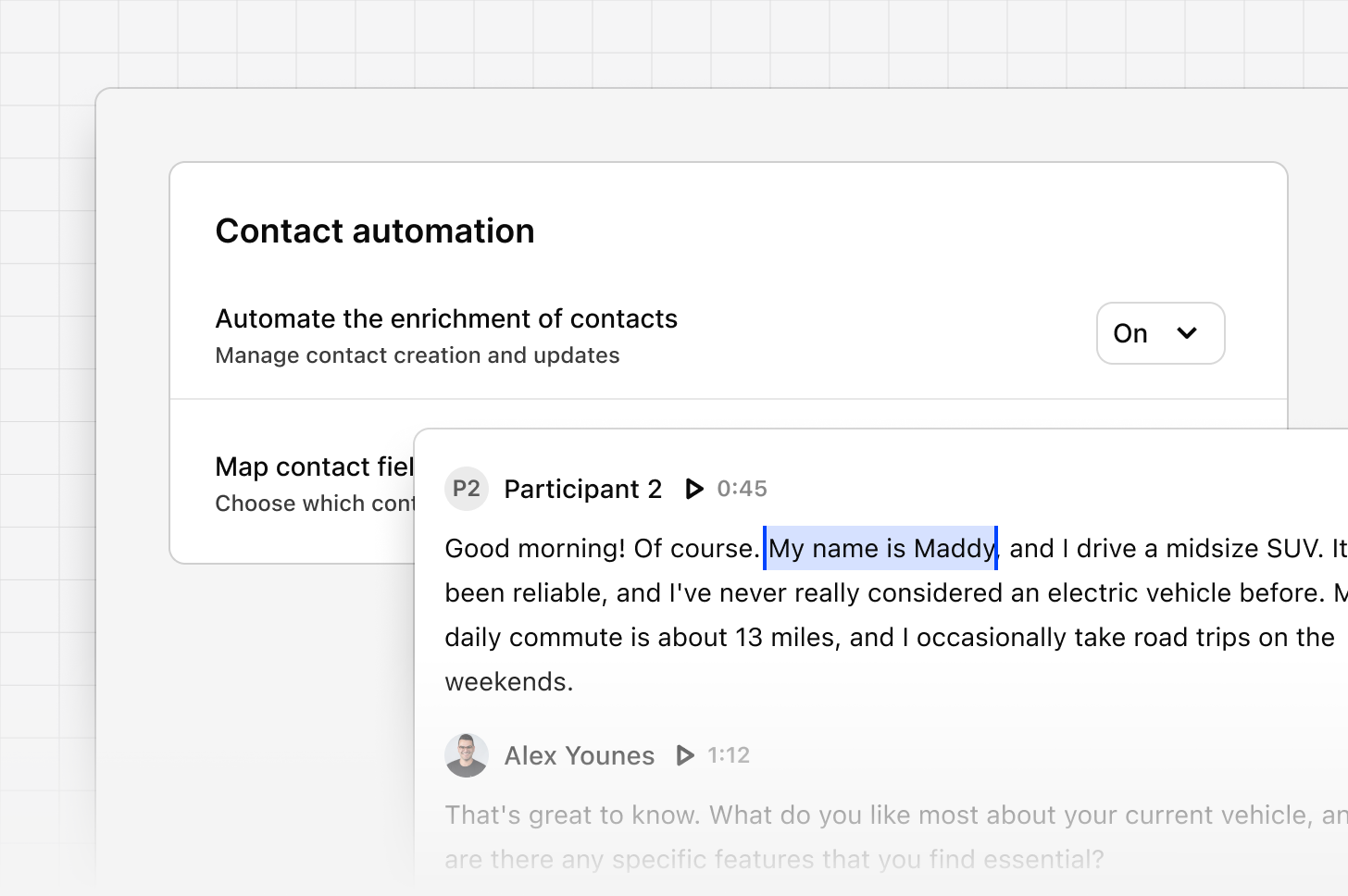
Contact automation allows Dovetail to automatically create and update contacts from transcripts in your Projects. When a video or audio file is uploaded and transcribed in a Project, Dovetail identifies participant details and uses them to create or enrich contacts in your contacts database. A workspace admin can manage enrichment settings from Settings → Contact settings.Contact automation currently applies to transcripts in Projects only. It does not apply to data imported into Channels.
Choose an enrichment mode
You can choose how Dovetail handles contacts found in Project transcripts by selecting one of three modes:- On (create and update) – Dovetail automatically creates new contacts and updates existing ones.
- Update only – only contacts already in your database are updated. No new contacts are created.
- Off – contact enrichment is disabled entirely.
- Go to Settings → Contact settings
- Click on Configure within Speaker identification
- Select the enrichment mode that suits your workflow within the “Enrich contacts” box
Where contact data comes from
When a video or audio file is transcribed in a Project, Dovetail uses multiple sources to find contact information:- Zoom or Microsoft Teams imports – contact name and email are pulled where available.
- Calendar integrations – participant details are pulled from the calendar event.
- Transcript content – all other information, including role, company, or name if not available from the above sources, is inferred by AI directly from the transcript.
Map custom fields
You can map custom contact fields (like company name, job title, or department) so they are populated automatically when a contact is created or updated. This lets you decide exactly which fields Dovetail fills in from your transcript content. If you haven’t mapped any fields yet, Dovetail will do its best to match the information to the correct fields automatically. To do this:- Go to Settings → Contact settings
- Click on Configure within Contact identifiers to configure your field mappings
- Make sure to click Save configuration to save your changes
The transcript must be generated from the video or audio file before contacts can be created. Changes apply to new data only. Existing contacts won’t be updated unless they appear in a new transcript.