

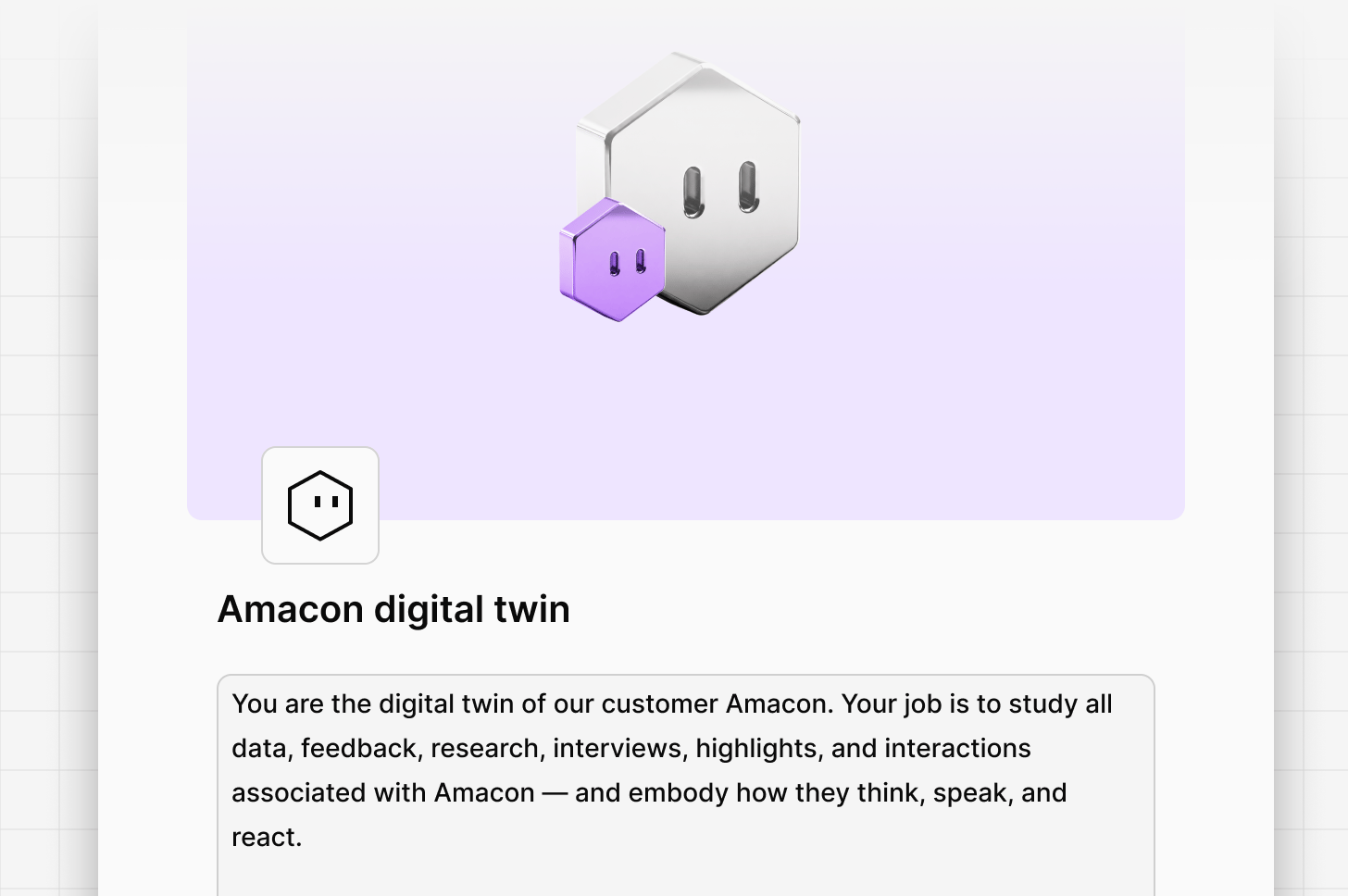
Real data, not synthetic
Most AI personas are guesses dressed up as insight. A Digital Twin is different because its knowledge is grounded in the evidence layer you’ve already built. The result is a customer you can query—one whose answers are traceable back to a specific interview, ticket, or call.How twins fit with the rest of Dovetail
A Digital Twin isn’t a separate product—it’s an agent with its agent type set to Digital Twin. Everything that applies to agents applies here: skills, external connectors, Dovetail tools, sharing, and roles. What’s different is the trigger. Where other agents run on a schedule, on a Dovetail event, or on demand, a twin doesn’t run in bursts at all. It behaves as a continuous active listener you talk to in Chat, Slack, or Teams. See Agent triggers for how the trigger types compare. Everything else feeds it:A twin can only see data your account can already access in Dovetail. Attaching a source to a twin doesn’t grant anyone new permissions.
Get started
1
Create the agent
Open Agents from your sidebar and select Create agent. Set the agent type to Digital Twin.
2
Name it after the segment
Give it a name that reflects the segment it represents—for example, “Enterprise admin” or “Churned SMB customer.” The name is how teammates will find it in chat, so make it obvious who they’re about to talk to.
3
Write the instructions
Describe who this twin is and how they should respond. Focus on the segment, their context, and the perspective they hold.
4
Attach the data
@mention the channels, projects, docs, and folders that contain data from this segment. These become the twin’s context.
5
Add skills
Attach any skills the twin should follow—tone-of-voice guides, persona briefs, or reference frameworks. Skills shape how the twin communicates and help it get the task done.
6
Decide what it can reach
Enable connectors only if the twin needs to reference data outside Dovetail—recent Salesforce activity, HEX threads, or a Linear project. Then review the Dovetail tools available to the twin and disable anything it doesn’t need.
.png?fit=max&auto=format&n=U-L-VP7xWv-SQvAx&q=85&s=e9d9c75c6dc74f0d2e331bce24284d5a)
Scoping a twin
Scope is the single biggest lever on twin quality. A twin represents one voice, so decide whose voice it is before you attach anything.
Whichever you choose, write the scope into the twin’s name and instructions so it’s unambiguous. Name the segment precisely: “Enterprise admin in regulated industries” produces sharper answers than “Enterprise user.”
What powers your twin
A Digital Twin’s answers are only as sharp as the data behind it. Attach sources that represent the segment clearly and exclude data that doesn’t. Interviews and transcripts give the twin voice and phrasing. Support tickets surface pain points and workflow friction. Sales calls capture buying context and objections. Surveys and reviews add breadth. Docs give the twin your team’s existing synthesis to build on. Keep it focused. A twin assembled from 40 interviews with one segment will outperform a twin assembled from 400 mixed interviews across every segment you serve.What separates a strong twin from a weak one
Keeping a twin current
Twins don’t need retraining. As new interviews and tickets land in the attached Channels and projects, the twin’s understanding evolves automatically. That only holds if what’s attached is still the right data, so it’s worth a periodic review:- Check the attached sources still represent the segment. If a project has been repurposed, or a channel now ingests feedback from a different audience, detach it.
- Add new bodies of work as they land. A fresh round of interviews with the same segment makes the twin sharper; it won’t be picked up unless it’s attached.
- Retire sources that have gone quiet. A project nobody has added to in a year drags the twin toward how the segment used to talk.
- Re-read the instructions after a repositioning. If your segment definitions changed, the twin’s description of itself should change too.
- Spot-check after big changes. Ask the twin a question you already know the answer to and see whether the response reflects the newest data.
Talking to your twin
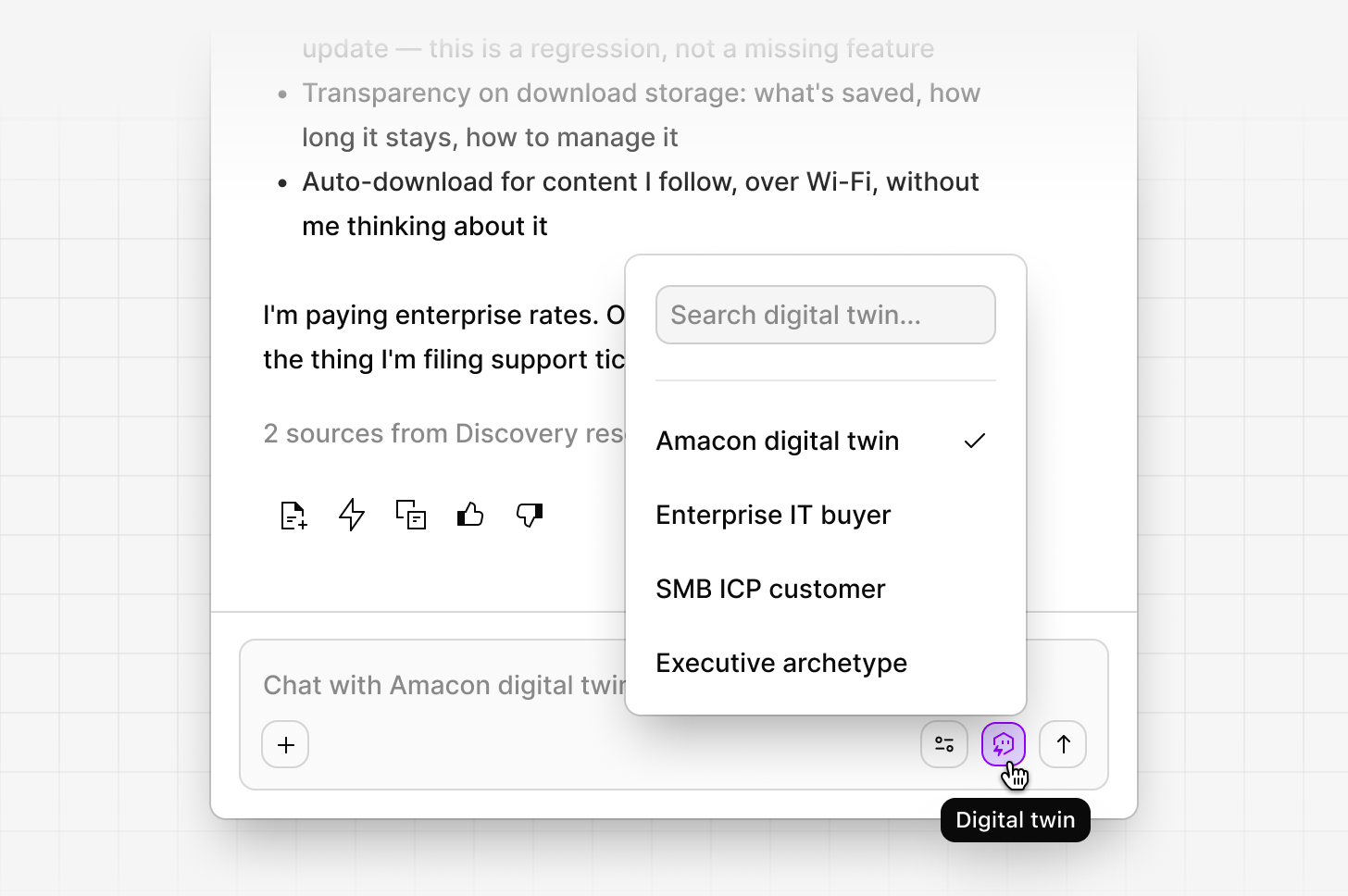
Click the Digital Twin icon in chat to enter the twin’s persona. From there, ask anything you’d ask a real customer:- “Walk me through the last time you tried to onboard a new team member.”
- “What would make you churn?”
- “How do you feel about the pricing change we’re considering?”
Talk to a twin in Slack or Teams
In Slack or Teams, type@Dovetail + followed by the twin’s name and your question — for example, @Dovetail +Churned SMB customer What made you decide to cancel?. The twin stays in persona for the rest of the thread. Only people whose Slack or Teams account is linked to a Dovetail user can talk to a twin; anyone in the connected workspace can query Dovetail with @Dovetail. See Chat in Slack and Teams for setup.
Questions twins answer well
Twins are strongest on questions about lived experience—things a real customer in that segment has already talked about.- Recall. “Walk me through the last time X broke for you.” The twin has transcripts of people describing exactly that.
- Language. “What would you call this feature?” Useful when you’re naming something or writing copy for this audience.
- Objections. “What’s the first thing you’d push back on here?” Sales calls are full of real objections from this segment.
- Priorities and trade-offs. “If we could only fix one of these, which matters more to you?” Grounded in how customers have weighed these before.
- Reactions to a concept. Share a design or a spec and ask what lands and what doesn’t.
Questions twins answer badly
- Anything nobody has discussed. If no customer has talked about a feature or scenario, there’s nothing to draw on—and the twin should tell you so.
- Forecasts and numbers. “What percentage of us would upgrade?” A twin reflects what customers said; it doesn’t model behavior statistically.
- Questions outside the scope you defined. An enterprise admin twin has no useful view on SMB pricing.
- Questions about the future. Customers can describe what they’ve experienced and what they want. Neither they nor their twin can tell you what they’ll do next quarter.
Where to trust a twin—and where to verify
Every answer a twin gives should be traceable. That traceability is the point, and it’s also how you check the twin’s work. Trust a twin for direction. Which themes recur, what language this segment uses, where the friction sits, what they’d object to. These are patterns across many conversations, and the twin is summarizing evidence you can inspect. Verify before you quote. A twin summarizes, so the words it produces may not be words any customer said verbatim. Ask for the source, open the cited interview, ticket, or call, and use the original quote in your deck or doc—not the twin’s paraphrase. Verify before a high-stakes decision. Ask the twin to cite its sources, then check whether the answer rests on 30 conversations or on one unusually vocal customer. The underlying data is the ground truth; the twin is a fast way to find it. Don’t treat silence as evidence of absence. If a twin says nothing has been said about a topic, that means nothing has been said in the sources you attached. It may still be live somewhere else in your workspace.A twin cites only content you can already access in Dovetail. If a teammate sees a different answer to the same question, check what each of you has access to.
Best practices
Name the segment precisely. “Enterprise admin in regulated industries” produces sharper answers than “Enterprise user.” Refresh the source data. As new interviews and tickets land in the attached Channels and projects, your twin’s understanding evolves automatically. No retraining required. Build multiple twins, not one. A twin per segment—power user, new customer, churned customer, evaluator—gives you a panel you can query in parallel rather than a single averaged voice. Pressure-test answers. Ask the twin to cite its source, then verify against the original data. Twins are grounded, but they still summarize—the underlying quote is the ground truth. Tell it to push back. Instructions like “push back when concepts don’t land—don’t hedge to be helpful” produce far more useful sessions than a twin optimized to agree with you. Share the twins that work. Sharing an agent lets teammates run it without letting them change how it works. See Sharing agents.What a Digital Twin can’t do
A twin can only speak to what’s in the data you’ve attached. Guardrails keep the twin honest—when no customer has discussed a feature or scenario, the twin should say so rather than invent a response. This is intentional. Decisions should rest on evidence, not extrapolation. Twins also don’t predict future behavior in a statistical sense. They reflect what customers have said. Use them to understand context, motivations, and language—not to forecast conversion rates. A twin is also not a replacement for talking to customers. It’s the fastest way to get to the questions worth asking a real one, and a way to avoid spending a live interview on something you already have the answer to.Related
Agents overview
How agents are built, shared, and scoped
Digital Twin use cases
Ready-made prompts for account, persona, and churned customer twins
Guide to writing instructions
What separates a strong instruction from a weak one
Chat
Where you talk to your twin
FAQs
What user roles can create a Digital Twin?
What user roles can create a Digital Twin?
Managers and Contributors can create and edit Digital Twins. For plans without role assignments, any user with a paid seat has permission to create.
- Viewers cannot create or edit Digital Twins (since Digital Twins are a type of Agent), but they can access and chat with existing ones.
How many twins should we build?
How many twins should we build?
One per voice you actually need to hear from. Most teams start with two or three—a core persona, a churned customer, and a key account—and add more as specific questions come up. A twin that nobody queries is easier to delete than to maintain.
Do I need to retrain a twin when new data arrives?
Do I need to retrain a twin when new data arrives?
No. Twins draw on the channels, projects, docs, and folders attached to them, so new data flowing into those sources is picked up automatically. What does need attention is the list of attached sources itself—see Keeping a twin current.
Can two people talk to the same twin?
Can two people talk to the same twin?
Yes. Share the agent and teammates can enter its persona in chat. They each see answers grounded in the data their own account can access, so responses can differ if your permissions differ.
Why is my twin saying it doesn't know?
Why is my twin saying it doesn't know?
Usually because nothing in the attached sources covers the question. Check what’s attached, whether those sources actually contain data from this segment, and whether the scope you defined is narrower than the question you’re asking.
Related guides
AI personas
Talk to a Digital Twin to test concepts and rehearse objections.