

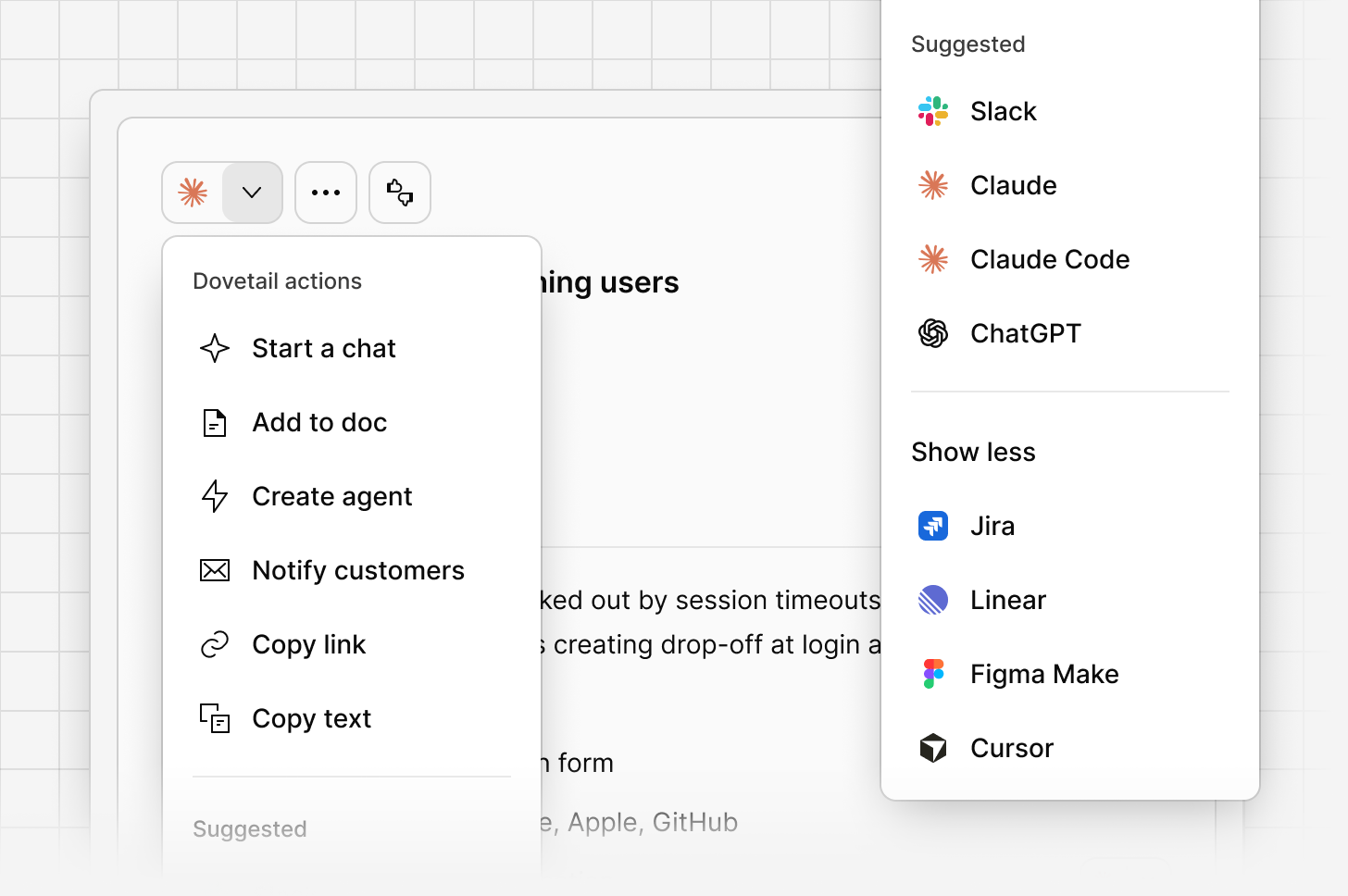
Dovetail actions
Dovetail actions let you send an idea or a piece of evidence straight to the tool you’ll actually use it in, with context intact and nothing copied by hand. Sending content to Claude or Claude Code opens it with a prompt already matched to what you’re sending, so you can analyze the evidence or draft a spec straight away. Send to Figma Make or Lovable to turn an idea or a piece of evidence into a starting point for a prototype, rather than starting from a blank canvas. Send to Jira or Linear to create a ticket directly from an idea. Because the ticket is linked back to the idea it came from, you can trace a straight line from the original feedback through to the roadmap and work your team ships, and report on the outcome once it’s resolved. You can also start a chat, send to Slack, add to a doc, notify customers, or copy a link, text, or generated prompt, depending on what you’re working with. The menu surfaces your most-used actions first, so the one you need is usually right at the top. Available actions differ depending on whether you’re on an idea or a piece of evidence.MCP and API access
Channels 2.0 ideas are available programmatically through Dovetail’s MCP server and API, so other tools your team already uses can query Channels intelligence directly. You can find more information on our MCP and Dovetail API pages.Related guides
Voice of customer
Centralize feedback, make sense of it, and close the loop.