

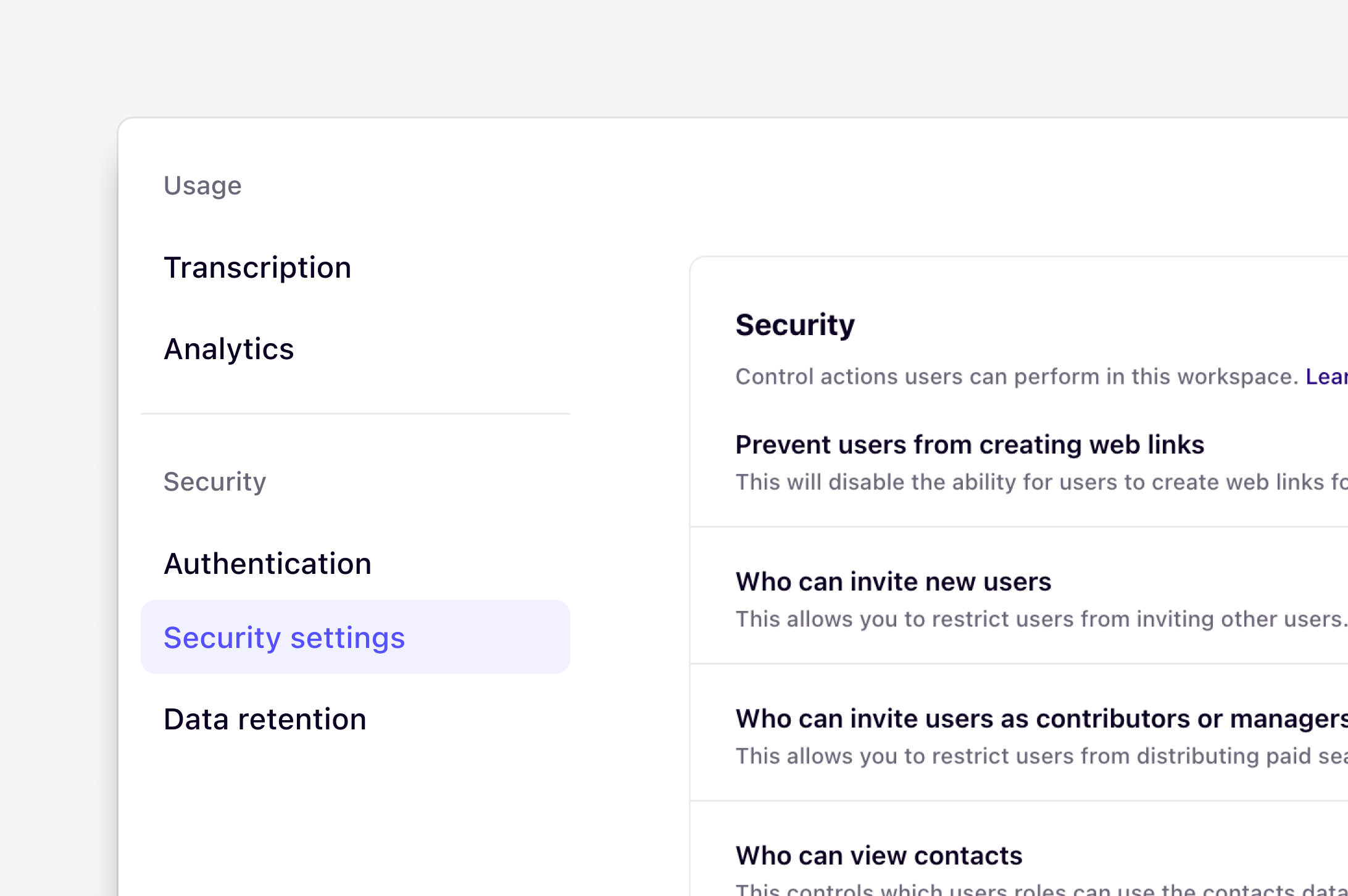
Overview
The security settings tab is only available on the Enterprise plan for workspace admins
Prevent users from using web links
Admins can disable the ability to create web links for highlights and docs across the entire workspace.- To do this, navigate to ⚙️ Settings → Security and under Security, toggle on
Prevent users from creating web links.
Who can invite new users to the workspace
By default, all users can invite new users to join the workspace. Users can only invite new users with a role that is equal to or lower than their own workspace role. Workspace admins on the Enterprise plan can restrict invitations so that only admins can invite new users. To update this setting:- Navigate to ⚙️ Settings → Security
- Under Who can invite new users to the workspace, select Admins only.
Prevent users from assigning paid seats
If users are allowed to invite new members, workspace admins can also control whether those users can assign paid seats. To restrict paid seat assignment:- Navigate to ⚙️ Settings → Security
- Under Who can invite users as contributors or managers, select Admins only.
Who can remove redactions
This allows you to restrict who can remove redactions from data in this workspace. For data from sources and CSV uploads, see Redaction is set where data comes in. To update this setting:- Navigate to ⚙️ Settings → Security
- Under Who can remove redactions, select Admins only or Anyone
AI settings
Select your AI processing location
Select where AI models process data to help teams align with data residency, compliance, and governance requirements. This setting does not affect AI transcription, which has a separate region setting.- To do this, go to ⚙️ Settings → Security → AI settings
- Under AI processing location, select your preferred region.
- Best available — Uses the same region as your workspace when possible. For Europe and Australia, Dovetail may use the United States if that region is unavailable. To keep processing in one country or region, choose that location instead of Best available.
- United States — All AI processing occurs in the United States
- Europe — All AI processing occurs in the European Union
- Australia — All AI processing occurs in Australia
Show AI disclaimer
When enabled, Dovetail displays a disclaimer on docs that include AI-generated contributions, giving readers visibility into how content was created.- To enable this, navigate to ⚙️ Settings → Security and under AI settings, toggle on
Show AI disclaimer.
User management
Session age
Session age controls how long users can stay logged in before they are required to authenticate again. By default, users remain logged in for 90 days. Workspace admins on the Enterprise plan can set a shorter session age to require users to log in again more frequently. To update the session age:- Navigate to ⚙️ Settings → Security → User management
- Under Session age, select your preferred duration
- 30 minutes
- 1 hour
- 4 hours
- 12 hours
- 24 hours
- 7 days
- 30 days
- 60 days
- 90 days
Log out all users
Workspace admins can log out all currently signed-in users from the workspace. This can be useful when you need to require all users to authenticate again. To log out all users:- Navigate to ⚙️ Settings → Security → User management
- Click on Log out all users